1
Client Configuration
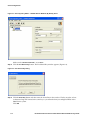
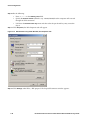
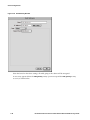
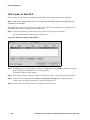
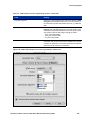
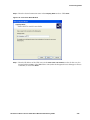
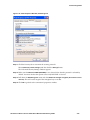
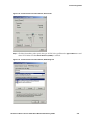
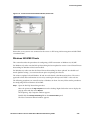
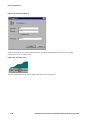
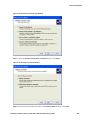
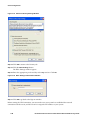
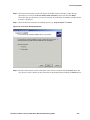
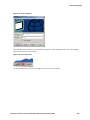
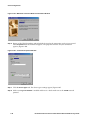
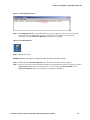
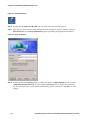
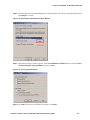
Figure 3-58. New Connection Wizard Window
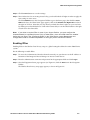
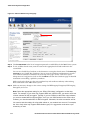
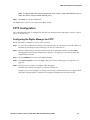
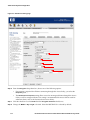
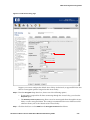
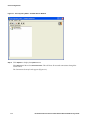
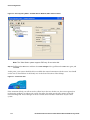
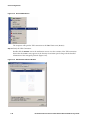
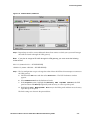
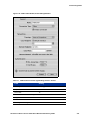
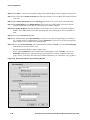
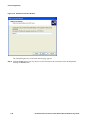
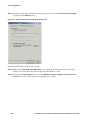
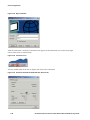
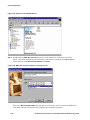
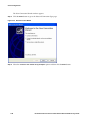
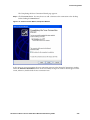
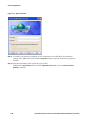
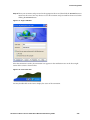
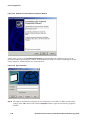
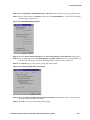
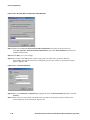
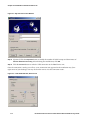
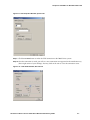
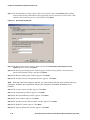
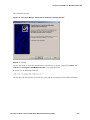
Step 2. Double-click the Make New Connection icon to start the Make New Connection wizard (see
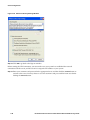
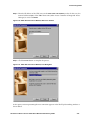
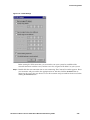
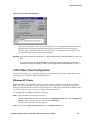
Figure 3-59). Enter the desired connection name in the text box. Pull-down the Select a device
menu and then select Microsoft VPN Adapter. Click Next>.
Figure 3-59. Make New Connection Window, selecting a device
,
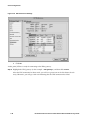
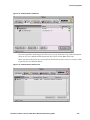
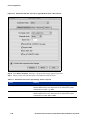
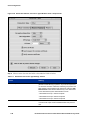
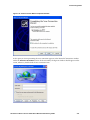
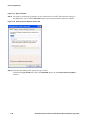
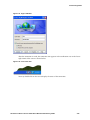
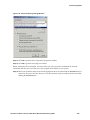
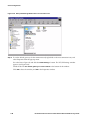
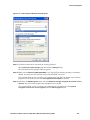
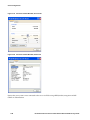
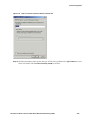
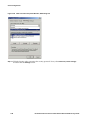
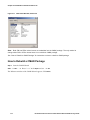
Note that if Microsoft VPN Adapter does not appear on the menu, you must cancel the Make New
Connection activities and add the VPN adapter to the Network’s Properties.
3-46
HP ProCurve Secure Access 700wl Series Wireless Data Privacy Guide