1
XA-PB4
PC-Software
JOG Teaching
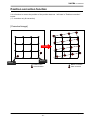
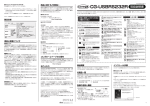
In JOG teaching screen, it allows teaching target positions.
Axes will move to a certain target position in jog feed or pulse feed. The position data will be
loaded to a table.
With a teaching function, it will be easier to edit target positions.
For more information on each command button, refer to page 36.
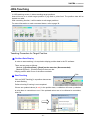
Teaching Procedure for Target Position
① Position Data Display
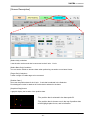
In order to start teaching, it is required to display position data in the PC software.
There are two ways as follows:
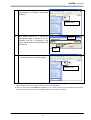
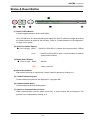
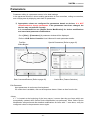
(Method A) [Position Data] – [Read] on the menu bar (Recommended)
(Method B) [New] – [Position Data] on the menu bar
Display position data in one of the above methods.
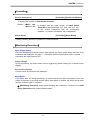
Click
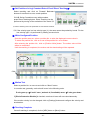
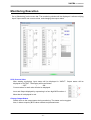
② Start Teaching
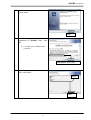
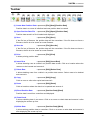
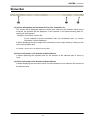
Click on [JOG Teaching] in a position data screen
to start teaching.
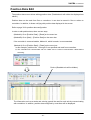
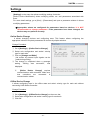
Perform homing if homing is not completed.
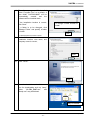
If there are updated values (in red) in the position data, a validation will come up whether
to write them to controllers or not. If the updated values are to be reflected to controllers,
click OK.
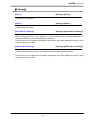
Click
Updated Values in Red
SUS Corporation
- 32 -