1
Section 2: Pump Setup and Programming
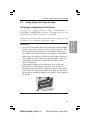
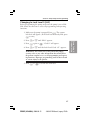
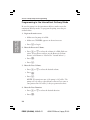
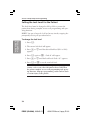
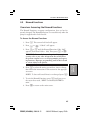
Changing to Lock Level 0 (LL0)
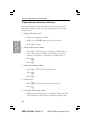
Before programming the pump, make sure the pump is set to LL0.
LL0 allows the clinician to access all programming and operating
functions.
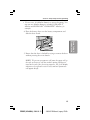
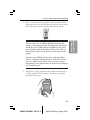
1. Make sure the pump is stopped. Press Œ. The current
lock level will appear. (If the lock level is already LL0, press
„ to exit.)
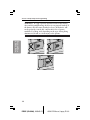
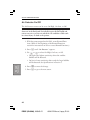
3. Press Œ again or ¤. “Code 0” will appear.
4. Press ´ or Î until the Lock Level Code “65” appears.
WARNING: Do not disclose to the patient the pump’s
security codes or any other information that would allow
the patient complete access to all programming and operating functions. Improper programming could result in death
or serious injury to the patient.
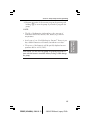
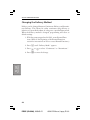
5. Press Œ or ¤ to set the new lock level.
17
PROOF (LR #3086), 2000-03-15
«3934-51D Manual, Legacy PLUS»
Pump Setup &
Programming
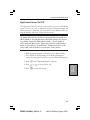
2. Press ´ or Î until “LL0” appears.