1
DVR Server Manual
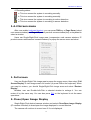
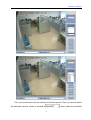
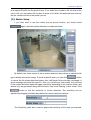
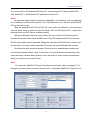
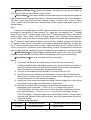
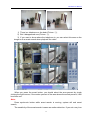
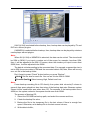
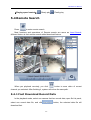
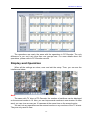
The following interface will be shown after you clicked Fast Play in context menu if
there is record data.
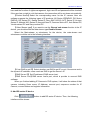
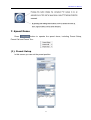
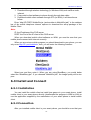
It will pop up to tell you no record data was found and ask you to change the play
time when there is no record data to the selected camera.
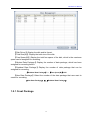
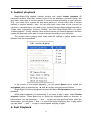
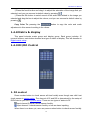
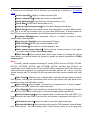
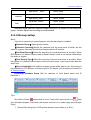
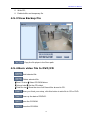
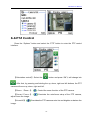
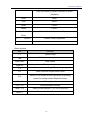
Button Description
Play, Pause, Stop
Next Frame
Play Speed Control: Drag the slider bar to the left to slow down or to the
right to speed up.
Grab Picture: The captured pictures will be saved in the same path as you set in
system setup.
Save Record Data: Press this button to begin to save record data and press it
again to end.
5. Alarm popup
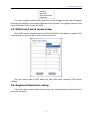
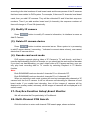
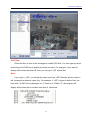
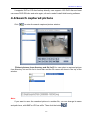
Single-Right-Click video image area in main interface and select “Start alarm popup”
after you set “Alarm camera popup interval” in system setup, otherwise, it can’t be
selected with gray. After that when there is a motion detection alarm (set in PTZ &
Linkage setup and Motion detection setup) or an alarm triggered by sensor (set in
Sensor setup), system will display alarm cameras in sequence. When you want to end
21