1
User’s Guide ______________________________________________________________________
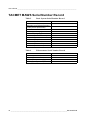
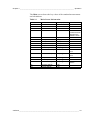
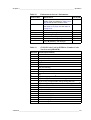
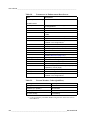
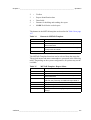
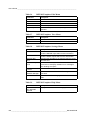
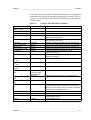
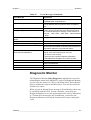
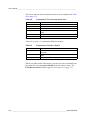
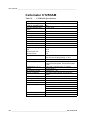
Table 23
Station Dependent Settings (Continued)
Screen label
Setting
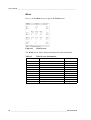
WindC
Wind direction calibration to align the wind vane
(360=north). The value on the screen is the offset.
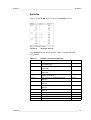
Not applicable, leave as is.
Not applicable, leave as is.
Should always be set to 0.
Enhancement sensors included in configuration. 0 = Not
included, 1 = Included.
Display unit: 0 = SI units, 1 = US units. Display unit will
change when a value is logged the next time.
Rf-HT
Rf-PC
Enh.1
Enh.2
Units
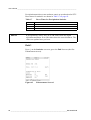
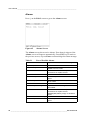
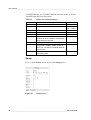
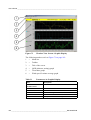
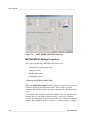
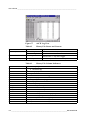
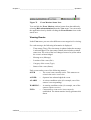
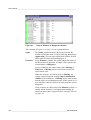
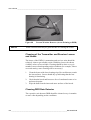
Figure 68
9908-001
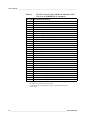
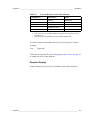
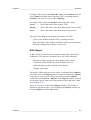
Time Zones
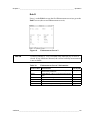
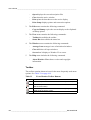
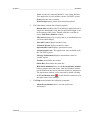
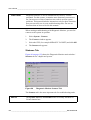
Terminal Mode
NOTE
The terminal mode is for maintenance purposes only.
When you are on the Setup screen, press F1 to start a terminal
connection.
To close the terminal connection, turn the power off and on again.
90 ___________________________________________________________________M010082EN-B