1
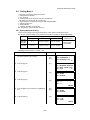
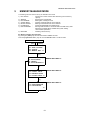
9 MEMORY MANAGER MODE
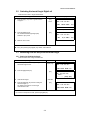
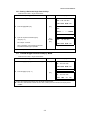
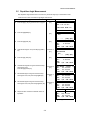
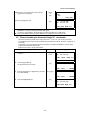
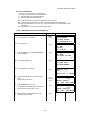
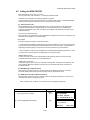
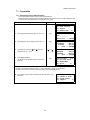
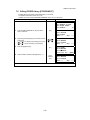
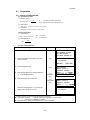
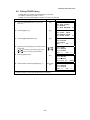
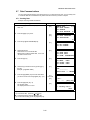
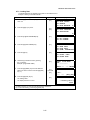
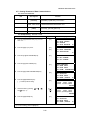
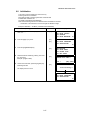
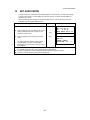
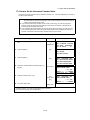
9.6 Editing PCODE Library
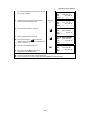
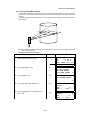
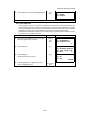
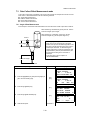
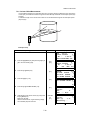
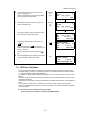
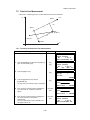
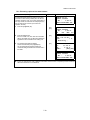
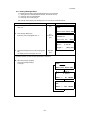
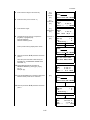
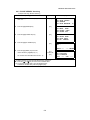
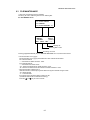
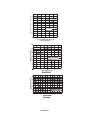
PCODE data can be entered into PCODE Library in this mode.
A PCODE is linked with a number of 1 to 50
PCODE can be also edited in DATA COLLECT menu 2/3 in the same way.
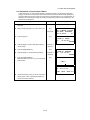
Operating procedure
Operation
Display
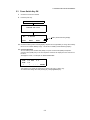
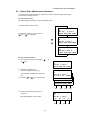
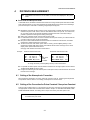
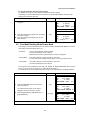
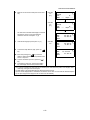
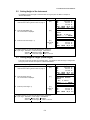
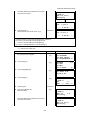
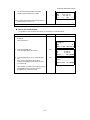
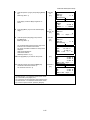
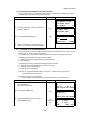
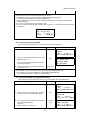
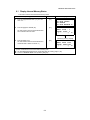
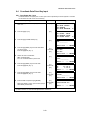
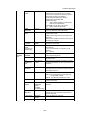
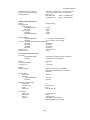
[F3]
MEMORY MGR.
1/3
F1:FILE STATUS
F2:SEARCH
F3:FILE MAINTAN. P ↓
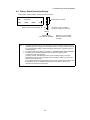
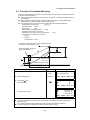
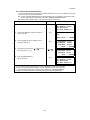
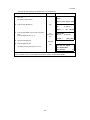
2 Press the [F4](P↓) key.
[F4]
MEMORY MGR.
2/3
F1:COORD. INPUT
F2:DELETE COORD.
F3:PCODE INPUT
P↓
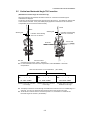
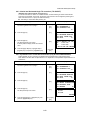
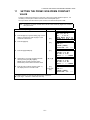
3 Press the [F3](PCODE INPUT) key.
[F3]
1 Press the [F3](MEMORY MGR. ) key from the
menu 1/3.
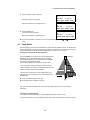
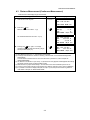
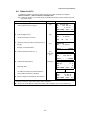
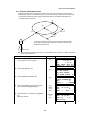
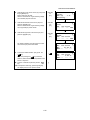
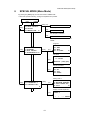
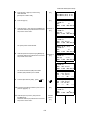
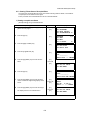
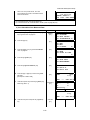
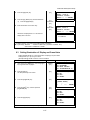
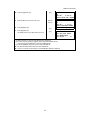
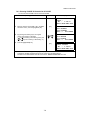
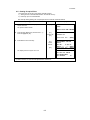
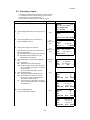
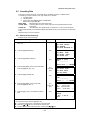
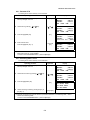
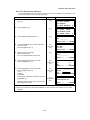
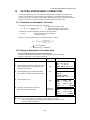
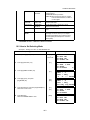
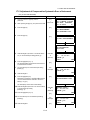
4 By pressing the following keys, the list will increase
or decrease.
[ ]or[ ] :Increasing or Decreasing one by one
[ ]or[ ] :By ten Increasing or Decreasing.
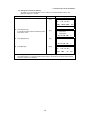
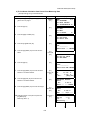
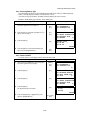
5 Press the [F1](EDIT) key.
[
[
]or[
]or[
],
]
[F1]
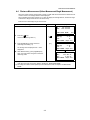
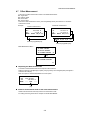
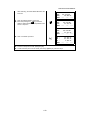
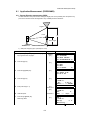
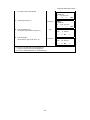
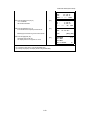
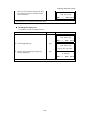
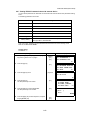
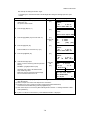
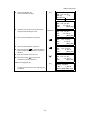
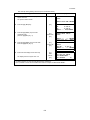
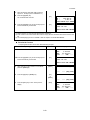
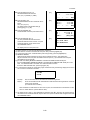
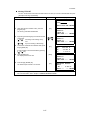
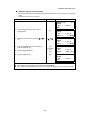
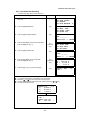
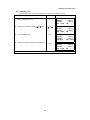
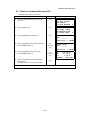
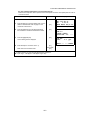
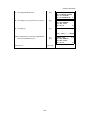
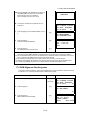
6 Enter PCODE and press the [F4](ENT) key. *1)
Enter PCODE
[F4]
*1) Refer to Section 2.6 “How to Enter Alphanumeric characters”.
9-13
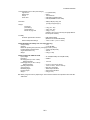
→001:TOPCON
002:TOKYO
EDIT –––
CLR
–––
011:URAH
→012:AMIDAT
013:HILLTO
EDIT –––
CLR
–––
011:URAH
→012=AMIDAT
013:HILLTO
1234 5678 90.- [ENT]
011:URAH
→012:AMISUN
013:HILLTO
EDIT –––
CLR
–––