1
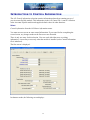
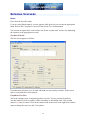
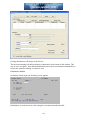
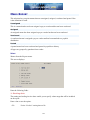
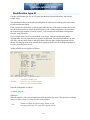
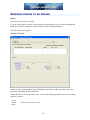
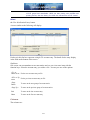
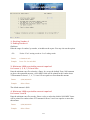
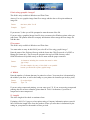
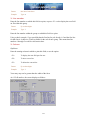
Memo List Box
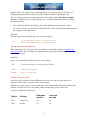
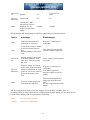
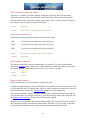
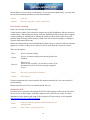
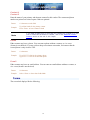
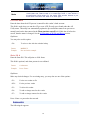
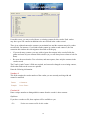
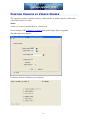
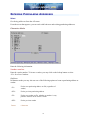
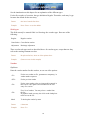
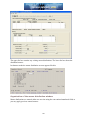
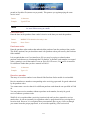
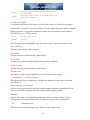
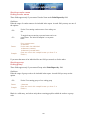
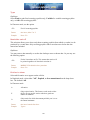
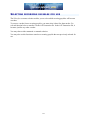
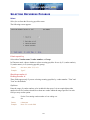
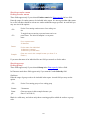
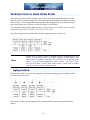
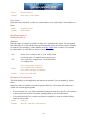
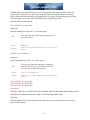
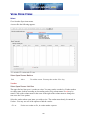
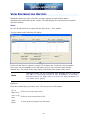
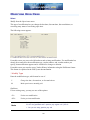
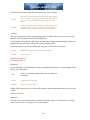
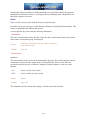
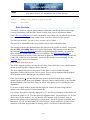
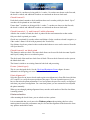
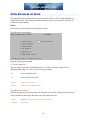
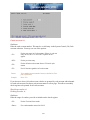
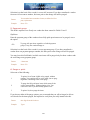
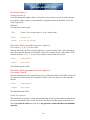
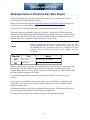
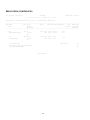
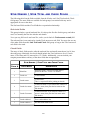
The list box displays up to 6 memos at a time. You may sort the memos by purchase-from
vendor number, invoice number or purchase date, all in ascending or descending order. Click
on the column name or the arrow to the right of the column name to change the sort or use the
View options. Only column names in red may be sorted.
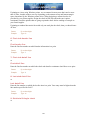
To locate a memo, start typing a number or name, depending on which sort field is selected.
You may also use the up/down arrows, Page up, Page down, Home and End keys to locate an
item. The <F1> and <SF1> keys are the same as the up/down arrow keys.
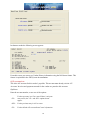
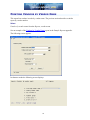
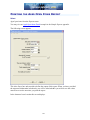
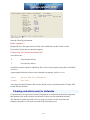
Memos that display in the list box are available for changes or deletion. The fields for the
selected memo display in the lower part of the screen.
When an memo is found, you may select the <Enter> key or Edit button to start editing.
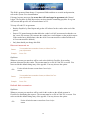
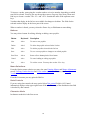
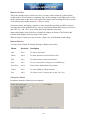
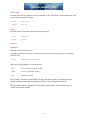
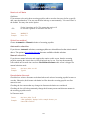
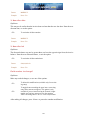
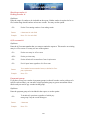
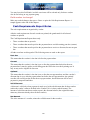
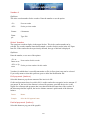
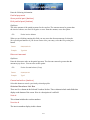
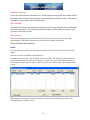
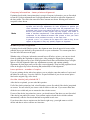
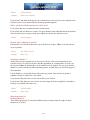
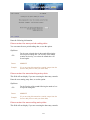
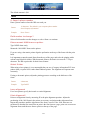
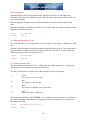
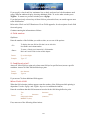
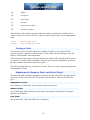
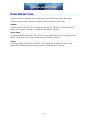
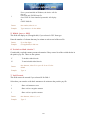
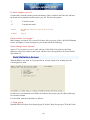
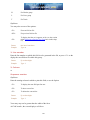
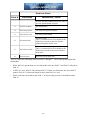
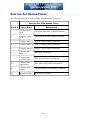
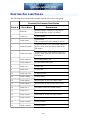
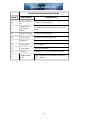
Memo Buttons
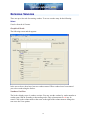
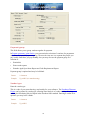
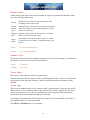
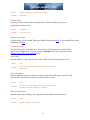
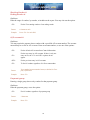
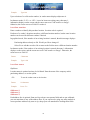
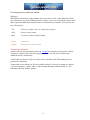
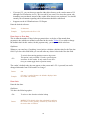
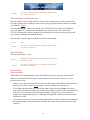
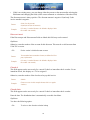
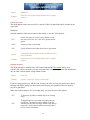
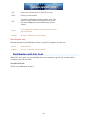
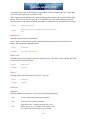
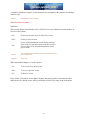
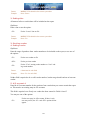
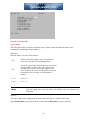
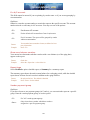
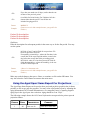
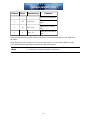
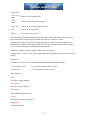
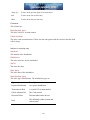
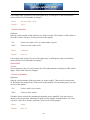
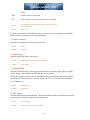
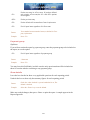
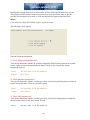
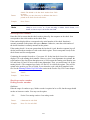
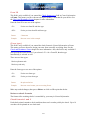
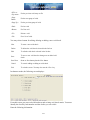
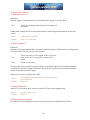
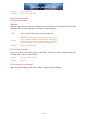
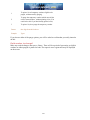
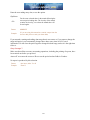
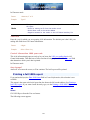
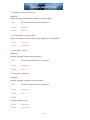
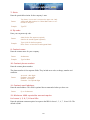
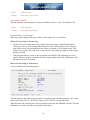
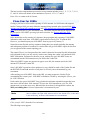
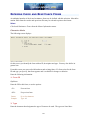
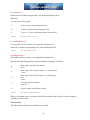
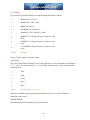
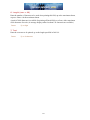
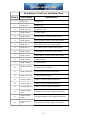
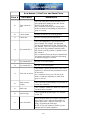
You may select a button for editing, deleting or adding a new memo:
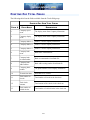
Button
Keyboard
Description
New
Alt+n
To enter a new memo
Delete
Alt+d
To delete the memo selected in the list box
Edit
Alt+e
To edit the memo selected in the list box
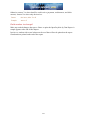
Save
Alt+s
To save a new memo or changes to an edited memo
Save/New
Alt+w
Same as Save button plus the New button
Cancel
Alt+c
To cancel adding or editing an memo
Exit
Alt+x
To exit the screen. You may also use the <Esc> key
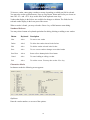
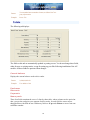
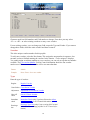
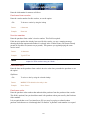
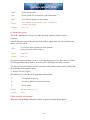
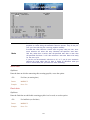
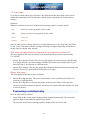
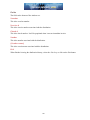
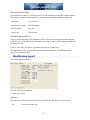
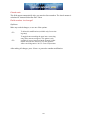
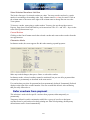
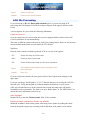
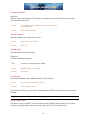
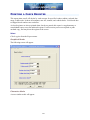
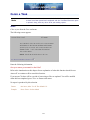
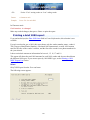
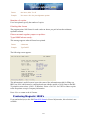
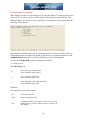
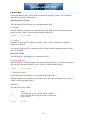
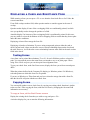
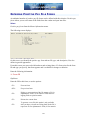
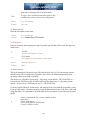
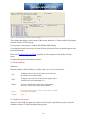
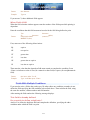
Character Mode
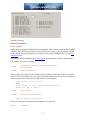
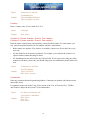
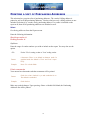
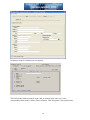
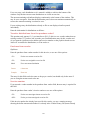
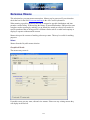
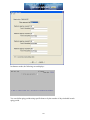
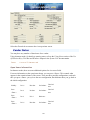
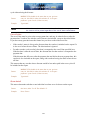
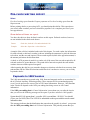
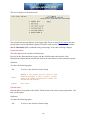
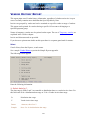
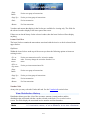
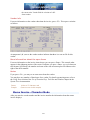
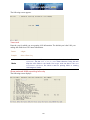
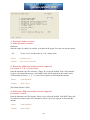
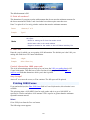
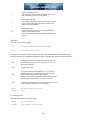
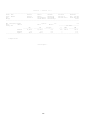
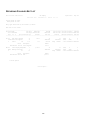
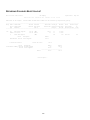
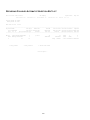
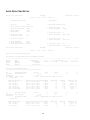
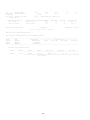
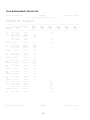
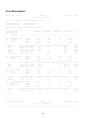
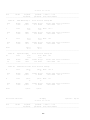
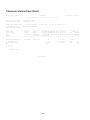
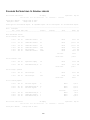
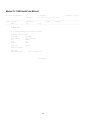
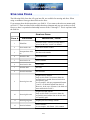
In character mode the following screen displays:
115