1
PLAYBACK
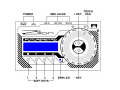
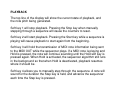
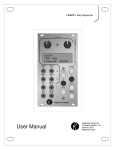
The top line of the display will show the current state of playback, and
the note pitch being generated.
Soft key 1 will stop playback. Pressing the Stop key when manually
stepping through a sequence will cause the counters to reset.
Soft key 2 will start playback. Pressing the Start key while a sequence is
playing will cause playback to start again from the beginning.
Soft key 3 will hold the transmission of MIDI note information being sent
to the MIDI OUT while the sequencer plays. If a MIDI note is playing and
Hold is pressed, the note will continue sounding until the Hold soft key is
pressed again. When Hold is activated, the sequencer algorithm still runs
in the background so that when Hold is deactivated, playback resumes
where it should be.
Soft key 4 allows you to manually step through the sequence. A note will
sound for the duration the Step key is held, and advance the sequencer
each time the Step key is pressed.