1
Chapter 4 – Operation
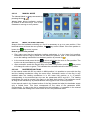
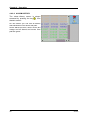
4.9.2.8 ALARM HISTORY
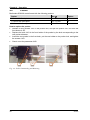
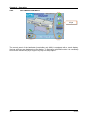
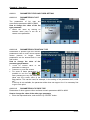
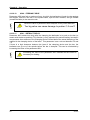
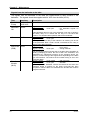
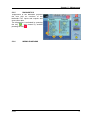
The Alarm History screen is always
accessed by pressing the key
Statistics screen.
from
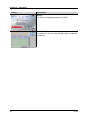
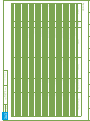
On this screen you can see all alarms
and barfeeder moves active and past.
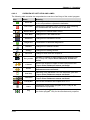
Active alarms are blue, active moves are
orange and all alarms and moves from
past are green.
42
SS2220