1
Using Message Instructions To Perform Run-Time Services and Module Reconfiguration
D-9
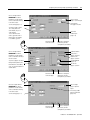
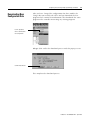
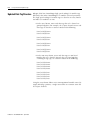
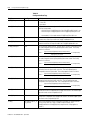
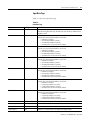
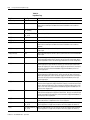
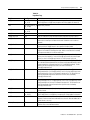
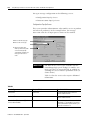
To perform a module reconfiguration with the Module Reconfigure
message type, follow these steps:
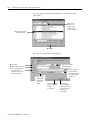
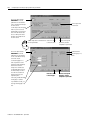
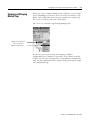
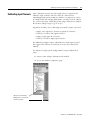
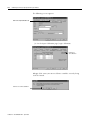
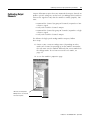
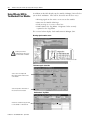
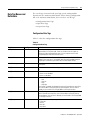
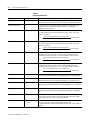
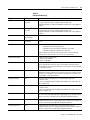
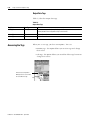
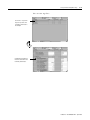
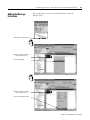
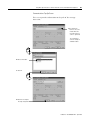
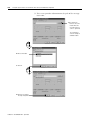
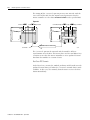
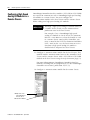
1. Change module configuration in the Tag Editor.
A. Select I/O Configuration.
B. Right-click to see the menu.
C. Select Monitor Tags.
D. Change configuration.
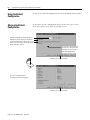
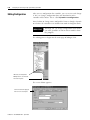
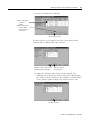
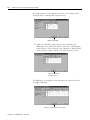
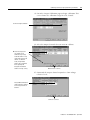
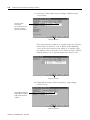
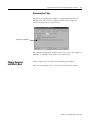
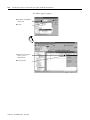
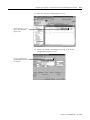
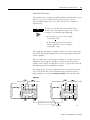
2. Add a rung of ladder logic with a ladder element as shown on
page D-3.
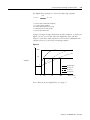
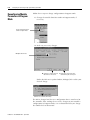
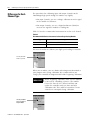
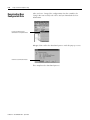
The follow pop-up appears.
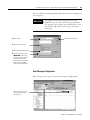
A. Type MSG in the Add Ladder
Element field.
B. Click OK.
Publication 1756-UM005A-EN-P - April 2002