1
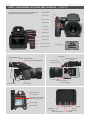
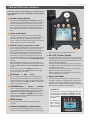
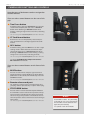
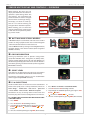
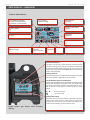
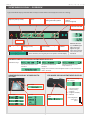
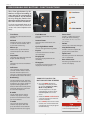
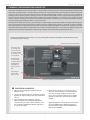
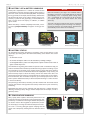
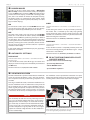
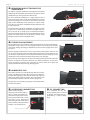
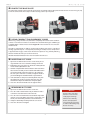
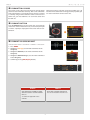
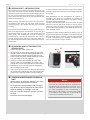
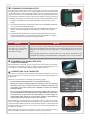
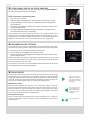
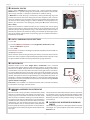
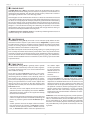
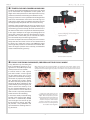
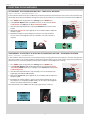
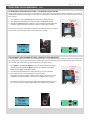
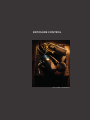
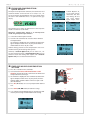
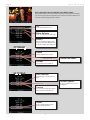
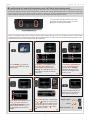
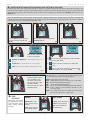
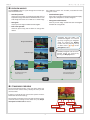
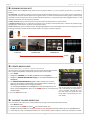
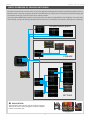
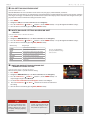
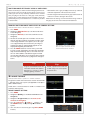
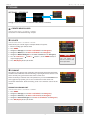
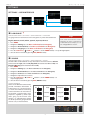
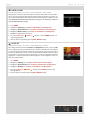
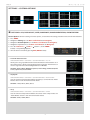
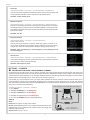
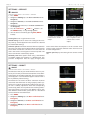
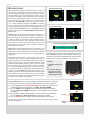
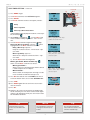
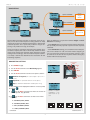
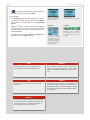
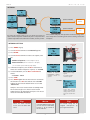
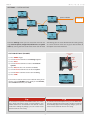
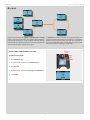
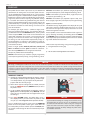
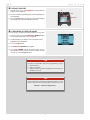
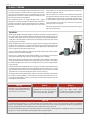
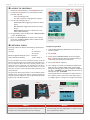
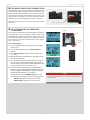
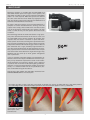
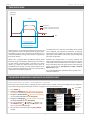
Exposure compensation / Quick Adjust Custom Options #3, #17 and #23 used to deactivate and alter the settings for the rear scroll wheel/ Quick Adjust function. The exposure compensation function, for both manual and automatic modes can be set from -5 to +5 EV, in 1/3, 1 or 1/2 EV increments (Custom Option #3) and is visible above the scale in the viewfinder and as a ± symbol on the grip display. The quickest way to make an adjustment in auto-exposure mode is use the rear scroll wheel. Temporary compensation setting in an auto-exposure mode using the Quick Adjust function: 1) Select chosen auto exposure mode. 2) Turn the rear scroll wheel to select the chosen amount of compensation. The amount is displayed in the viewfinder as both an EV figure complete with a ‘minus’ or ‘plus’ prefix and as a marker above a ‘minus’ to ‘plus’ scale. Default settings provide 1/3 EV compensation and an immediate clearing of the setting after capture. However, in Custom Options #3 you can select 1/3, 1 or 1/2 EV increment changes, in Custom Options #23 you can choose to retain the setting after capture and in Custom Options #17 you can deactivate the function. Fixed exposure compensation setting Front scroll wheel 1) Press the ‘±’ button on the viewfinder. 2) Turn either the Front scroll wheel or Rear scroll wheel on the grip to increase or decrease the amount of compensation in 1/3 EV steps. 3) The amount is displayed in the viewfinder as both an EV figure complete with a ‘minus’ or ‘plus’ prefix (A in illustration), and as a marker above a ‘minus’ to ‘plus’ scale (B in illustration). 4)Press Clr (AF button) to reset any compensation back to zero. Save Clr Rear scroll wheel 5) Press Save (ISO / WB button) to retain the setting. +/– 6) A ‘±’ symbol is then displayed between the aperture and shutter speed setting as confirmation of the setting. 46