1
LAUNCH
X-431Diagun User's Manual
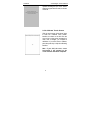
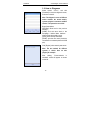
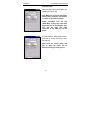
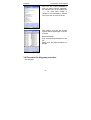
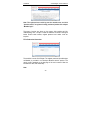
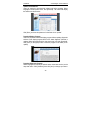
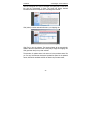
Operate following the tips on the screen
after the progress bar was read, as shown
on the left.
2.5.2 Calibrate Touch Screen
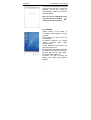
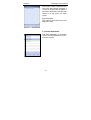
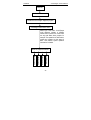
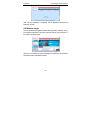
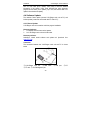
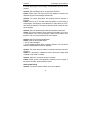
Click the touch screen in the above figure
to enter into ‘Calibrate Touch Screen’
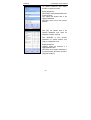
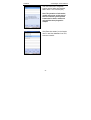
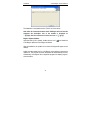
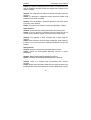
interface, as shown on the left. Click the
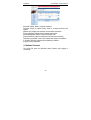
cross cursor on the screen accurately by
order, once it changes, you complete a
calibration. If you don't want to calibrate,
press the power key to skip the calibrating
interface.
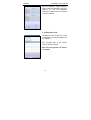
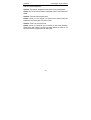
Note: If you click the cross cursor
inaccurately, it will repeated on the
screen until the calibration completed.
6