1
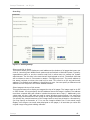
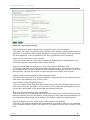
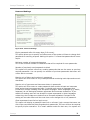
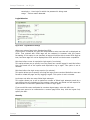
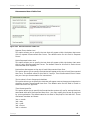
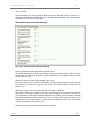
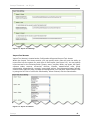
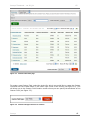
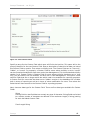
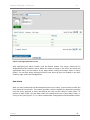
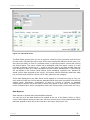
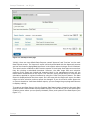
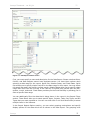
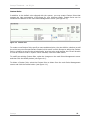
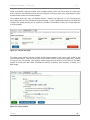
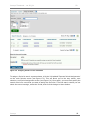
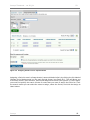
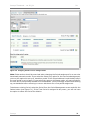
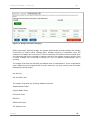
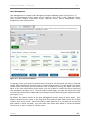
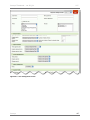
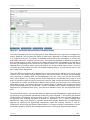
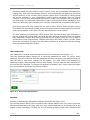
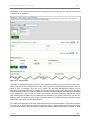
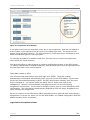
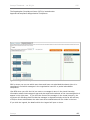
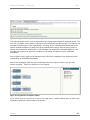
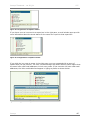
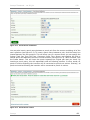
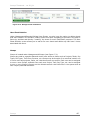
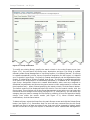
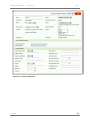
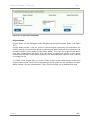
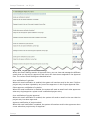
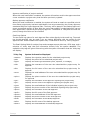
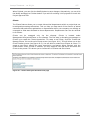
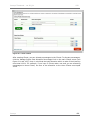
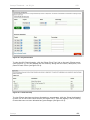
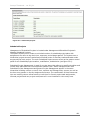
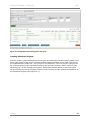
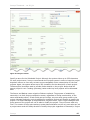
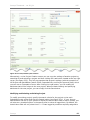
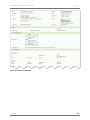
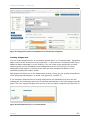
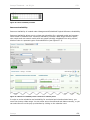
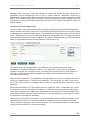
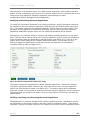
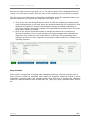
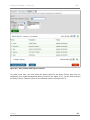
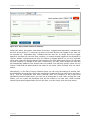
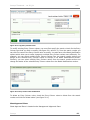
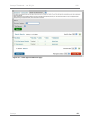
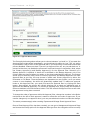
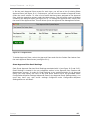
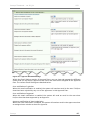
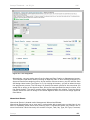
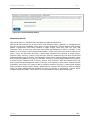
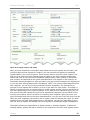
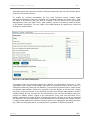
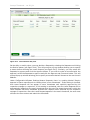
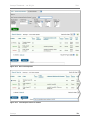
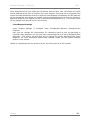
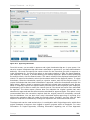
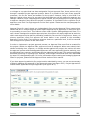
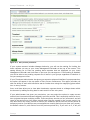
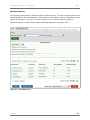
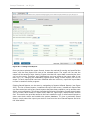
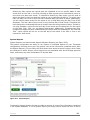
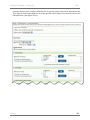
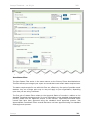
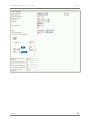
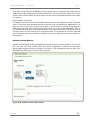
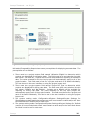
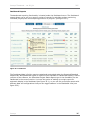
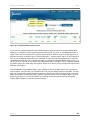
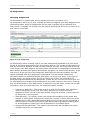
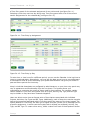
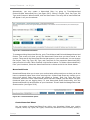
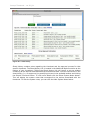
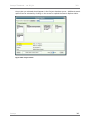
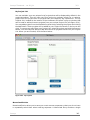
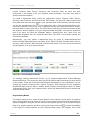
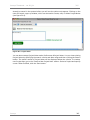
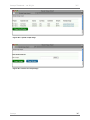
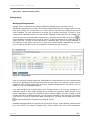
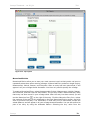
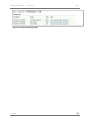
Journyx Timesheet – ver 8.9_01 137 Figure 14.12. Mileage Record modification User Sheet Deletion Under ManagementRecordsDelete User Sheets, you also have the option to delete sheets that were created. This scenario usually arises from users navigating to periods in the past or future by accident and thereby "creating" the sheet for email notification purposes. The User Sheet Deletion screen allows you to search for user sheets and delete any that have 0 hours associated with them. Groups Groups is located under ManagementGroups (see figure 17.1). Groups are used to organize data and control user access to items such as Projects, Tasks, Pay Types, Bill Types, Time Entry Screens, etc. Groups may be thought of as sets that contain one or more users and projects, tasks, etc. that those users can access. Each user can be assigned to one or more Groups, and each item such as a Project, Task, Pay Type, etc. can be assigned to one or more Groups. Groups are the ultimate access control devices in the system and as such require particular attention. Journyx 137