1
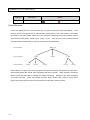
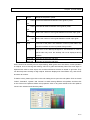
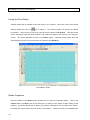
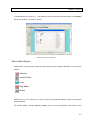
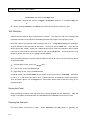
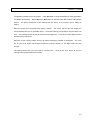
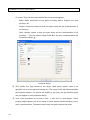
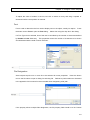
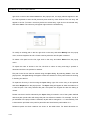
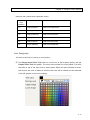
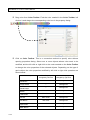
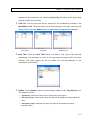
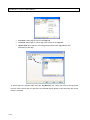
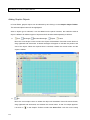
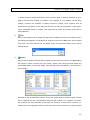
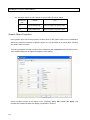
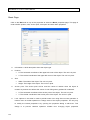
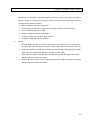
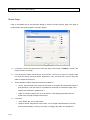
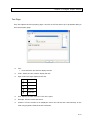
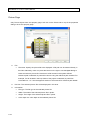
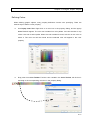
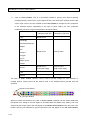
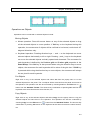
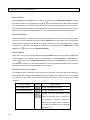
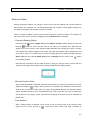
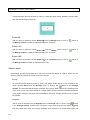
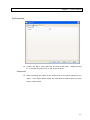
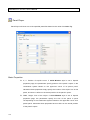
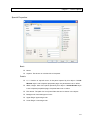
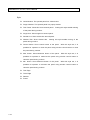
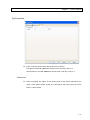
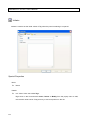
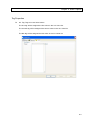
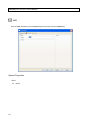
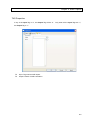
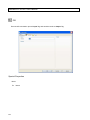
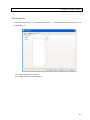
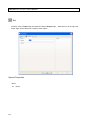
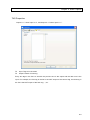
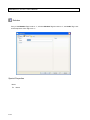
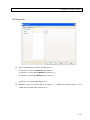
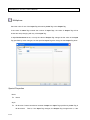
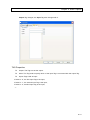
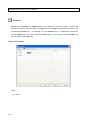
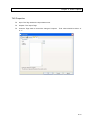
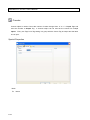
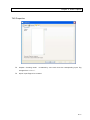
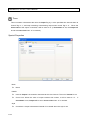
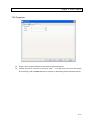
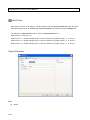
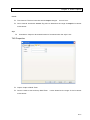
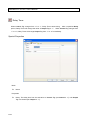
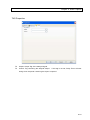
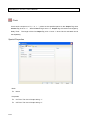
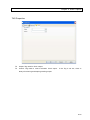
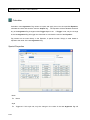
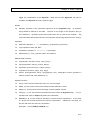
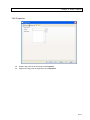
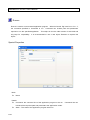
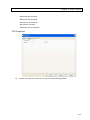
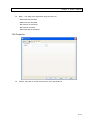
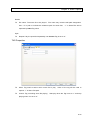
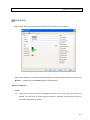
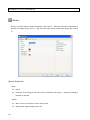
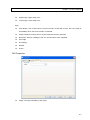
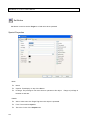
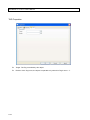
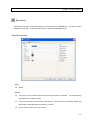
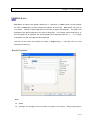
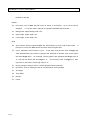
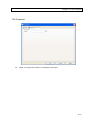
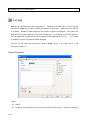
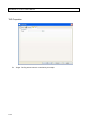
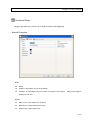
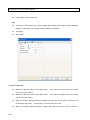
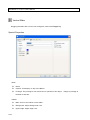
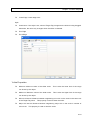
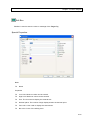
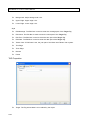
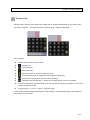
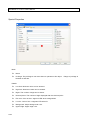
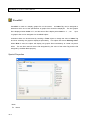
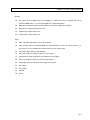
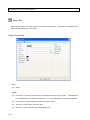
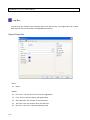
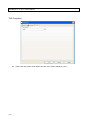
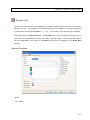
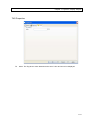
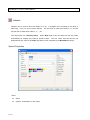
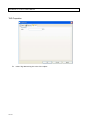
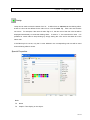
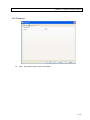
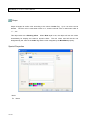
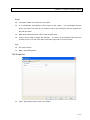
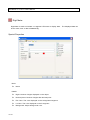
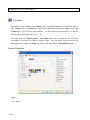
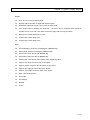
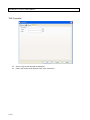
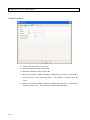
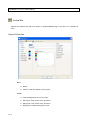
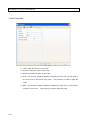
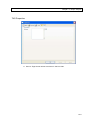
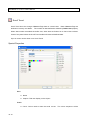
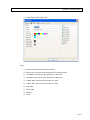
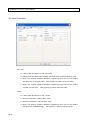
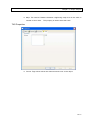
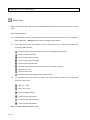
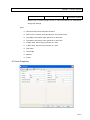
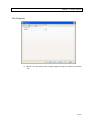
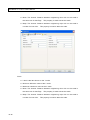
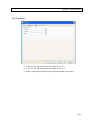
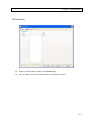
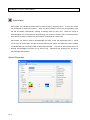
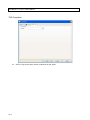
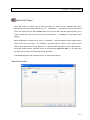
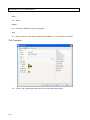
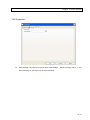
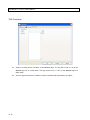
SmartPanel for Windows User’s Manual Special Page - Details Details properties vary for object of different types, some of the commonly seen properties editing interface include: Number input Text input Font selection File designation Color designation Combo box selection Number Input A number is needed. Meaning and range of the number depends on the property itself. Text Input A text string is needed. Meaning and length limit of the text depends on the property itself. Usually, all alpha-numeric and most symbol characters will be accepted. Multiple Number or Text Input Several text strings or numbers are needed. Meaning and limits depends on the property itself. Number or text is entered in an editor box, and buttons are used to insert, remove and replace a number or string. To insert a new text entry at the end of the list, please right click on the list bottom and select Insert from the popup menu, an empty element appears in the list. Use keyboard to enter the new text and press enter key when finished. The new entry will appear at the end of the list. To insert a new entry before an existed entry, right click on the existed entry and select Insert. The new entry will appear right before the existed entry. To modify an existing text in the list, right click on the entry and select Modify from the popup menu. Use keyboard to edit it, and press enter key after the new file path is entered. To delete a text from the list, right click on the entry and select Delete from the popup menu. 4-8