1
Aerosol Photometer
Reporting Modes
Summary Mode
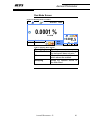
The summary reporting mode was implemented with
certifiers doing in-situ validation of high efficiency
filtration systems (HEPA & ULPA) in mind. It provides
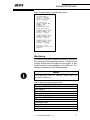
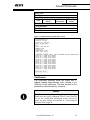
a summary of each filter tested on the USB port and,
if connected, on the optional thermal printer. This
feature is similar to that of a particle counter.
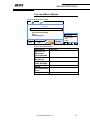
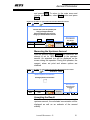
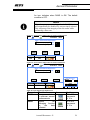
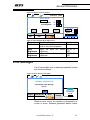
When this reporting mode is selected, the
operator has the opportunity to enter a
location for the testing he is about to perform
by pressing the keyboard function key. This field is
automatically reset at the end of the test to avoid
unintended duplication of locations and should be
repopulated prior to subsequent testing.
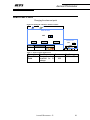
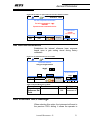
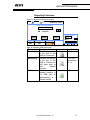
To start the reporting, the operator
should press the play/pause function
key. The header will be sent out to the
ports and the acquisition of data sets will be initiated.
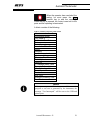
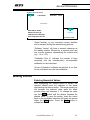
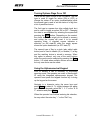
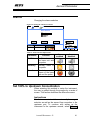
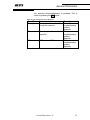
The button LED lights up green and the data transmit
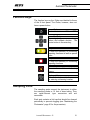
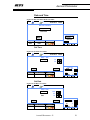
icon is displayed ( ). A data set is sent every time the
operator presses the play/pause function key to
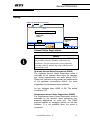
pause the test or at the conclusion of the test. When
the test is paused, the play/pause button LED lights
up yellow and the data transmit icon changes to
indicate the new status ( ). The maximum
penetration value is reset when the operator presses
the play/pause button to resume the test, allowing
the report to show all leaks present during the filter
scan.
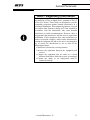
i
Note
If the probe is disconnected when the instrument is in play
or pause, it will not synchronize with the base until the
stop button is pressed.
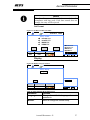
Note
i
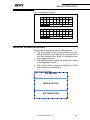
If a leak is detected while scanning, the operator should
press the play/pause function key to pause the reporting
and acquisition of data while he fixes the leak. Pressing the
play/pause function key will also stop the effective
scanning time until it is pressed again.
Aerosol Photometer - 2i
35