1
Operating the Beam Profiler
57
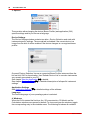
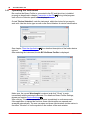
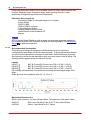
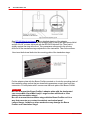
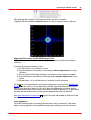
Sequential Saving
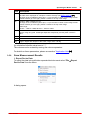
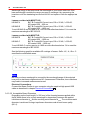
By checking the Sequential Saving box, a series of measurement data in *.csv file
format can be saved.
The saving can be proceeded with a defined time interval (0 to 100.00 sec) or for
each nth measurement - here the value range is from 1 (saving every single
measurement) to 100.000 (99.999 measurements are being skipped).
The saving can be stopped by fulfilling one of three possible criteria: reaching a max.
memory space (0 to 100.000 MB), a max. saving time (0 to 100.000 sec, if 0 only 1
measurement is being saved) or a max. number of savings (up to 100.000 files).
The file name must be set in the appropriate box; a date and/or time stamp can be
added. In order to avoid doublets, a counter "_#xxx" is appended. This counter is
reset at each software restart.
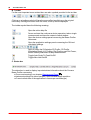
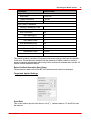
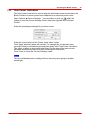
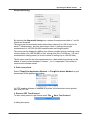
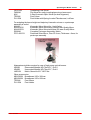
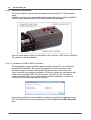
2. Print screenshots
Select 'File Print Application Window' or 'File
screenshots of the appropriate window.
Print Active Window' to print
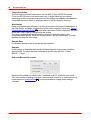
If a PDF creating software is installed as a printer, the screenshot can be printed
also as a PDF file.
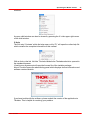
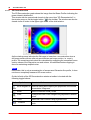
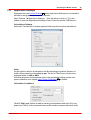
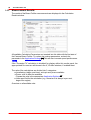
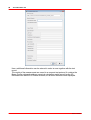
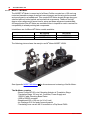
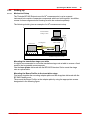
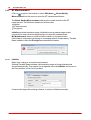
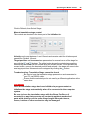
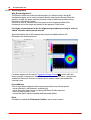
3. Export a PDF Test Protocol
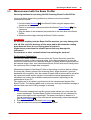
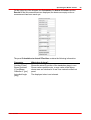
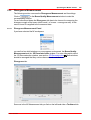
To save a test protocol in pdf format select 'File
A dialog box opens:
© 2011 Thorlabs
Save Test Protocol'.