1
HEIDELBERG INSTRUMENTS DWL 66FS User Guide Part I
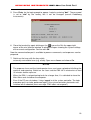
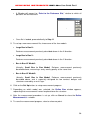
5. Press Enter for the login prompt to appear. Login by entering "dwl". The password
is set to "dwl" by the factory, but it can be changed (consult Heidelberg
Instruments).
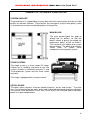
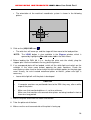
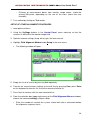
6. Close the terminal by again clicking on the
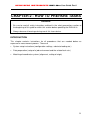
icon or the X in the upper right
corner of the mini terminal window. A window will open showing the system settings
of the current configuration. Confirm with OK.
Now the communication port is available to process commands, and exposures can be
prepared.
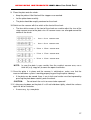
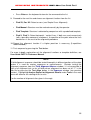
7. Switch on the laser with the key switch.
externally controllable laser (e.g. diode): Open menu Laser and choose On.
NOTES
•
The exposure laser and the interferometer laser must warm up before initializing the
machine and exposing. Switch on the laser and the DWL 66 fs electronics at least
30 minutes before exposure.
•
When the DWL is not performing tasks for a longer time, it is advisable to close the
Main Menu and shut down the computer.
•
Even if the PC was shut down, it stays logged in at the system controller. The login
procedure only has to be performed again if the system controller electronics was
switched off or rebooted (menu message "DWL does not respond").
19