1
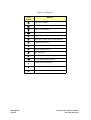
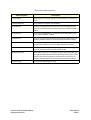
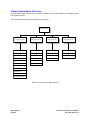
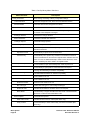
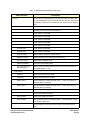
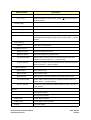
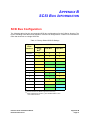
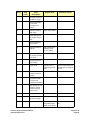
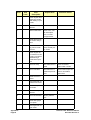
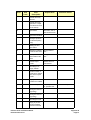
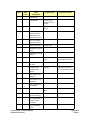
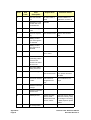
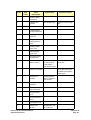
Table 6. Main Menu Selections
Menu Selection
Description
1 Library Status
Allows viewing only of library settings. To make changes, use the Set Up
menu.
2 Release Magazine
Use to release the magazine from the library.
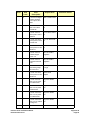
3 Turn Drive Off
Use to turn off individual drives. Drives may not be hot-swapped in this
mode. For password protected operations, the factory default password is
"AAAA".
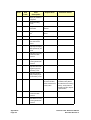
4 Turn Drive On
Use to turn on individual drives. For password protected operations, the
factory default password is "AAAA".
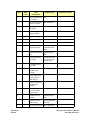
5 Service Drive
Use to remove power from the drive to allow removal or replacement. For
password protected operations, the factory default password is "AAAA".
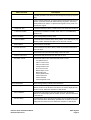
6 Restore Drive
Use to restore power to the drives after removal or replacement. For password protected operations, the factory default password is "AAAA".
7 Set Up Library
Allows viewing and changing of library settings. When performing operations from the Set Up menu, the library is taken off-line.
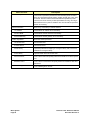
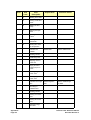
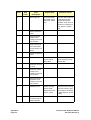
8 Maintenance Mode
Allows testing, setting up, or configuring the library. When performing operations from the Maintenance Mode menu, the library is taken off-line. These
operations are reserved for Plasmon authorized service personnel. For
password protected operations, the factory default password is "AAAA".
9 Cabinet Lights
Use to turn the cabinet lights on or off.
Plasmon G164 - G638 User Manual
Document Revision F
Menu System
Page 51