1
Appendix C
Appendix C: Using R in Kepler
The Kepler library contains a number of useful actors that interface with the R
environment, accessing its powerful statistical and data processing tools and
integrating that functionality into workflows.
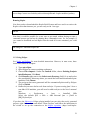
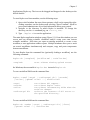
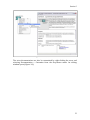
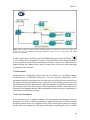
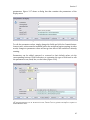
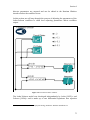
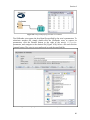
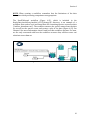
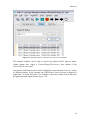
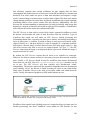
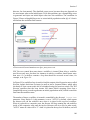
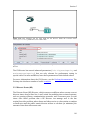
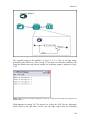
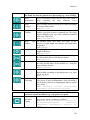
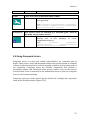
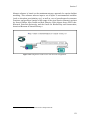
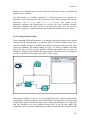
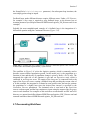
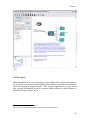
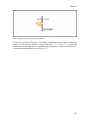
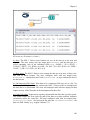
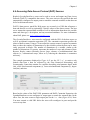
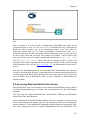
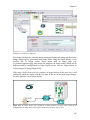
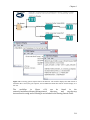
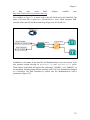
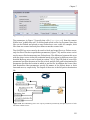
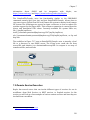
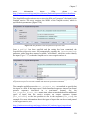
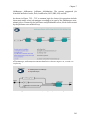
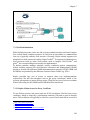
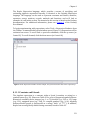
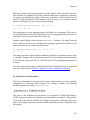
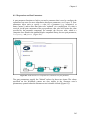
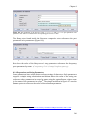
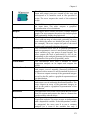
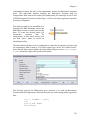
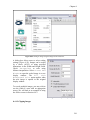
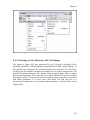
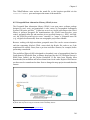
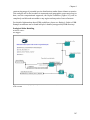
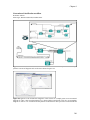
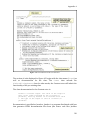
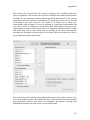
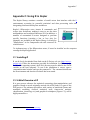
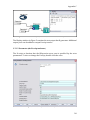
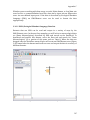
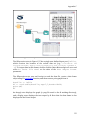
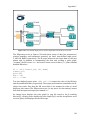
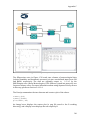
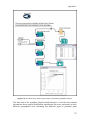
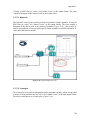
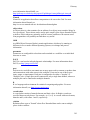
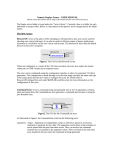
Kepler's RExpression actor inserts R commands and
scripts into workflows, making it easy to use the data
manipulation and statistical functions of R. In addition, a
number of customized R actors designed to perform
specific functions (creating a bar or box plot, for
example) are included in the Kepler library. A search for
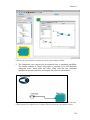
"RExpression" in the Components tab will return all R- The RExpression actor icon
related actors.
To implement any of the RExpression actors, R must be installed on the computer
running the Kepler application.
C.1 Installing R
R can be freely downloaded from links on the R Project web site (http://www.rproject.org). Follow the instructions provided for installation. In addition (under
the Windows operating system), the R 'bin' directory must be added to the PATH
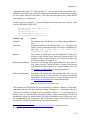
variable on the host computer. To test if the installation is correct, open a
command/terminal window and type the command 'R'. The command should start
the R environment and alert the user that R has been started.
C.2 A Brief Overview of R
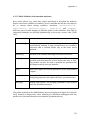
R is open source software for statistical computing, data manipulation, and
graphics. Based on work originally carried out at Bell Labs, R is part of the
GNU project. The software provides a wide variety of statistical (linear and
nonlinear modeling, classical statistical tests, time-series analysis,
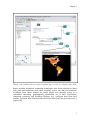
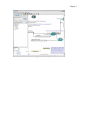
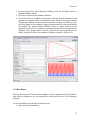
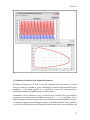
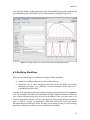
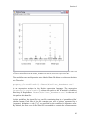
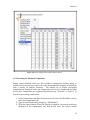
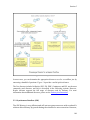
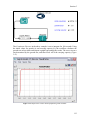
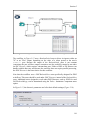
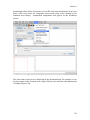
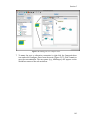
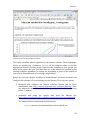
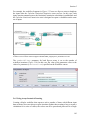
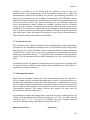
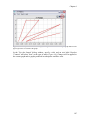
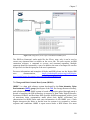
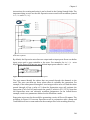
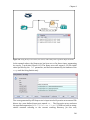
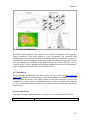
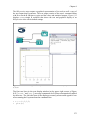
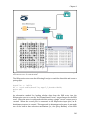
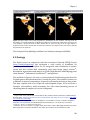
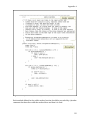
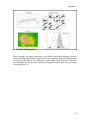
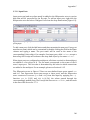
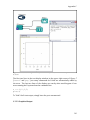
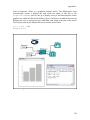
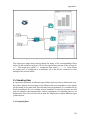
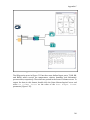
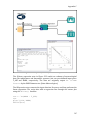
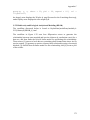
classification, clustering, etc) and graphical techniques (Figure C.1), and is
highly extensible.64
64
R Project website, http://www.r-project.org/
334