1
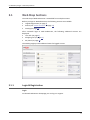
2.1 Web Shop Pages > Web Shop Sections
2.
2.1.3.4
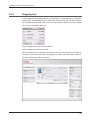
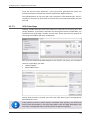
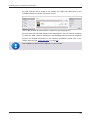
Click on Save to save your new settings.
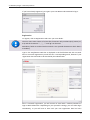
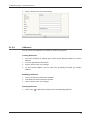
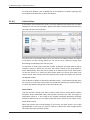
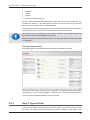
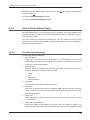
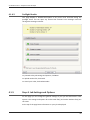
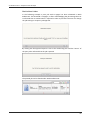
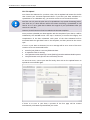
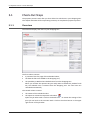
Addresses
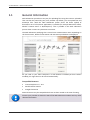
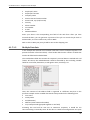
You can create new addresses and modify or delete existing ones.
Creating Addresses
1.
2.
3.
4.
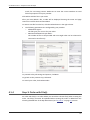
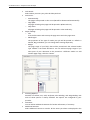
Start with selecting an address type. Choose either Delivery Address or Invoice
Address.
Fill in the appropriate information.
Click on Save to save your settings.
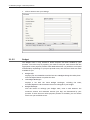
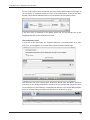
To add another address, click on Click here to display the fields for another
address.
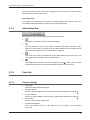
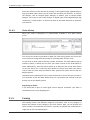
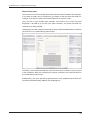
Modifying Addresses
1.
2.
3.
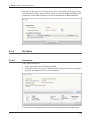
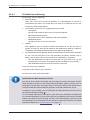
Click in the line that needs to be modified.
Overwrite the content with the new data.
Click on Save to save your settings.
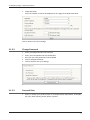
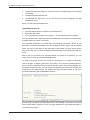
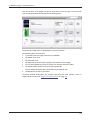
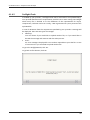
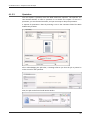
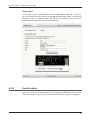
Deleting Addresses
1.
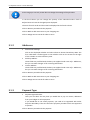
Click on the
in the Delete column of the corresponding table line.
8