1
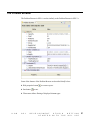
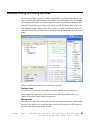
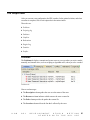
Problems tab
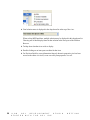
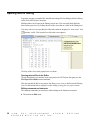
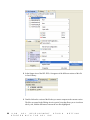
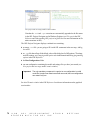
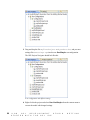
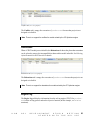
2. Remove the mistake. The error message disappears and the indicators in the editor
disappear.
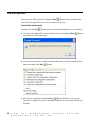
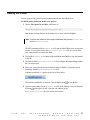
3. Press Ctrl+S or choose File>Save or press the Save button
in the standard toolbar
to save your work.
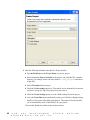
In the next step, you will add two data files to the project.
74
I L O G
O P L
D E V E L O P M E N T
S T A R T E D
W I T H
T H E
O P L
I D E
S T U D I O
G E T T I N G