1
Meijer.com
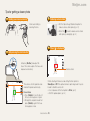
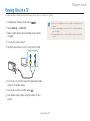
Shooting in the dark
Learn how to take photos at night or in low light conditions.
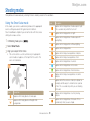
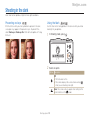
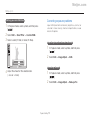
Preventing red-eye
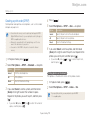
Using the flash
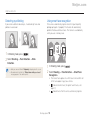
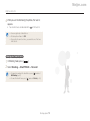
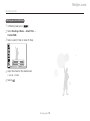
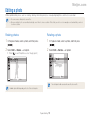
If the flash fires when you take a photo of a person in the dark,
a red glow may appear in the person's eyes. To prevent this,
select Red-eye or Red-eye Fix. Refer to flash options in "Using
the flash".
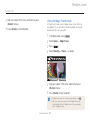
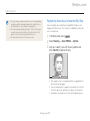
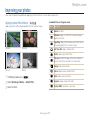
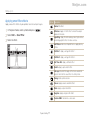
Use the flash when taking photos in the dark or when you need
more light in your photos.
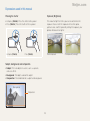
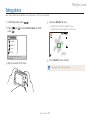
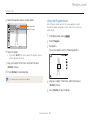
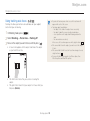
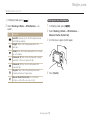
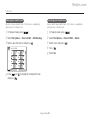
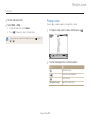
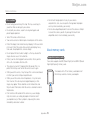
1 In Shooting mode, press [
].
Auto
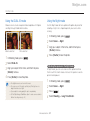
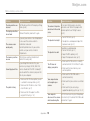
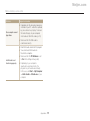
2 Select an option.
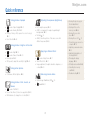
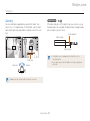
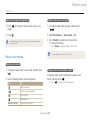
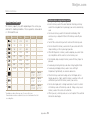
Option Description
Off:
• The flash does not fire.
• The camera displays the camera shake warning (
when you are shooting in low light.
)
Auto: The camera selects a proper flash setting for the
scene it detects in the
mode.
Shooting options
43