1
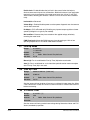
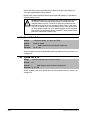
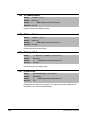
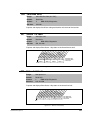
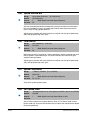
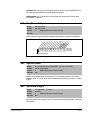
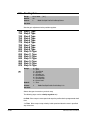
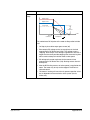
• Removing the enable input signal.
• Setting Auto Restrt Tries to zero.
• Occurrence of a fault that is not auto-resettable.
• Removing power from the drive.
• Exhausting an auto-reset/run cycle.
175
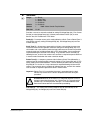
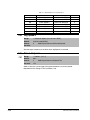
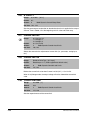
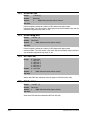
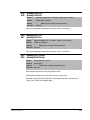
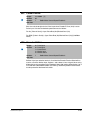
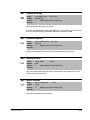
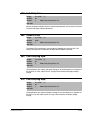
Auto Rstrt Delay
Range:
0.5 to 10800.0 sec
Default:
1.0 sec
Access:
1
See also:
174
[0.1 sec]
Path: Dynamic Control>Restart Modes
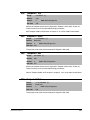
Sets the time between restart attempts when the auto restart feature is enabled. Refer
to Auto Rstrt Tries (174) for more information about the auto restart feature.
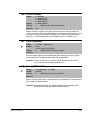
177
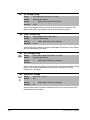
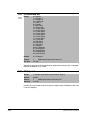
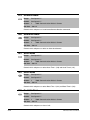
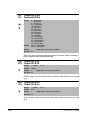
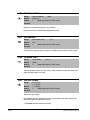
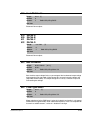
Gnd Warn Level
Range:
1.0 to 5.0 Amps
Default:
3.0 Amps
Access:
2
See also:
174
[0.1 Amps]
Path: Dynamic Control>Power Loss
Sets the level at which a ground warning fault will occur. Configure with Alarm Config
1 (259).
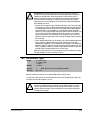
178
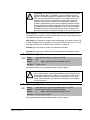
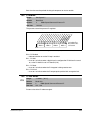
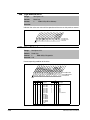
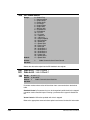
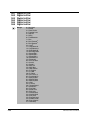
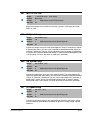
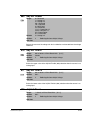
Sleep-Wake Mode
Range:
0 = Disabled
1 = Direct (Enabled)
2 = Invert (Enabled)
Default:
0 = Disabled
Access:
1
Path: Dynamic Control>Restart Modes
See also:
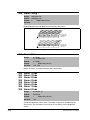
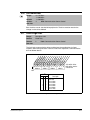
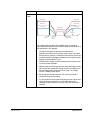
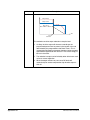
Enables the Sleep-Wake function.
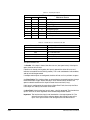
Important: When enabled, the following conditions must be met:
• A proper value must be programmed for Wake Level (180) and Sleep Level (182).
• A speed reference must be selected in Speed Ref A Sel (90).
• At least one of the following must be programmed (and input closed) in Digital Inx
Sel (361-366): Enable, Stop-CF, Run, Run Forward, Run Reverse.
Parameter Descriptions
3-47