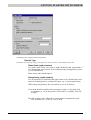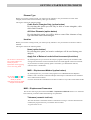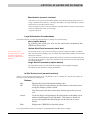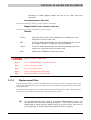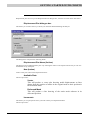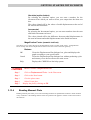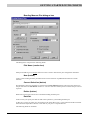
1
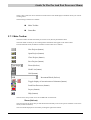
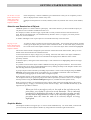
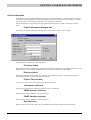
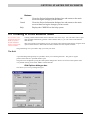
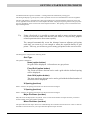
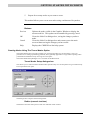
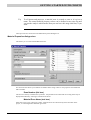
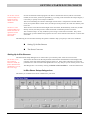
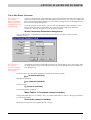
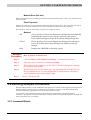
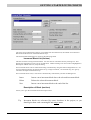
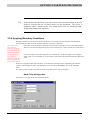
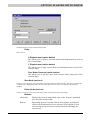
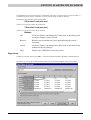
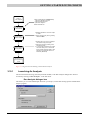
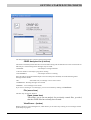
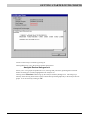
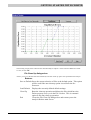
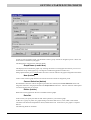
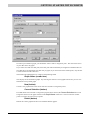
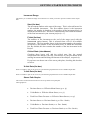
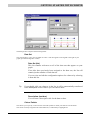
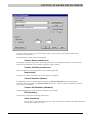
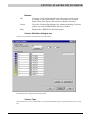
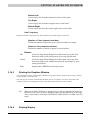
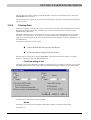
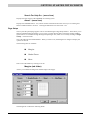
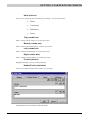
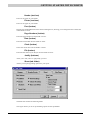
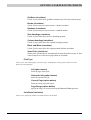
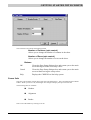
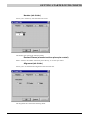
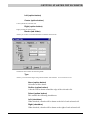
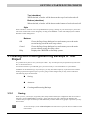
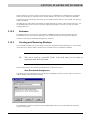
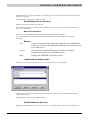
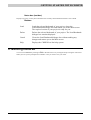
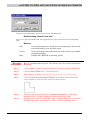
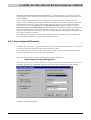
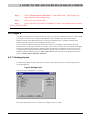
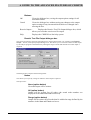
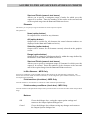
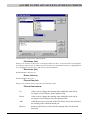
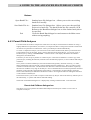
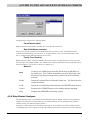
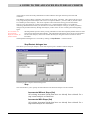
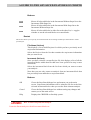
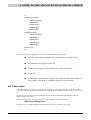
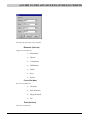
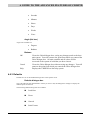
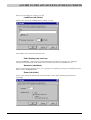
GETTING STARTED WITH CRISP2D Unstructured Super Mesh Sets you up in Unstructured Super Mesh mode, closes the Select Mesh Mode dialogue box and displays the Project Setup dialogue box. Finite Mesh Sets you up in Finite Element Mesh mode, closes the Select Mesh Mode dialogue box and displays the Project Setup dialogue box. Help Displays the CRISP2D on-line help system. Having selected a mesh mode you will then be asked to provide some information about the type of problem that you want to model. 3.4.2 Initialising A New Project Setting up a Project involves supplying two distinct sets of information that together identify a project and set-up the analysis: Project Setup Project Information Project Setup A number of decisions have to be taken at the outset of your Project. These can affect what options will be available to you whilst creating your mesh and they initialise parameters essential for the analysis to run. Project Setup is defined using the Project Setup dialogue box, which is accessed via the File menu. Project Setup dialogue box This allows you to set-up certain fundamental parameters that affect the way the finite element mesh is created and the way the analysis will run. 3-13