1
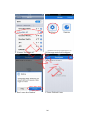
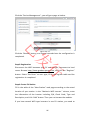
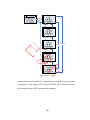
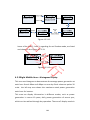
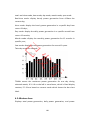
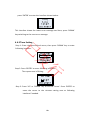
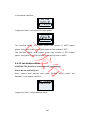
 The years/months/days setting can be done in the same manner, when the setting is completed, press ‘ENTER’ for 2sec to store setting value and enter previous menu or press ‘ESC’ to discard setting value and enter previous menu, press ‘ESC’ again to enter first‐level menu; The interface can also automatically enter first‐level menu if key operation for 20S. 已
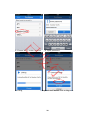
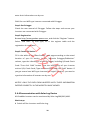
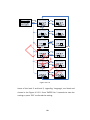
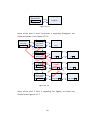
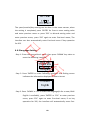
4.6.3 Language Setting Step 1: Enter the second‐level menu, then press ‘DOWN’ key twice to 行
发
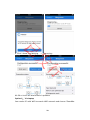
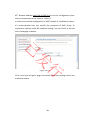
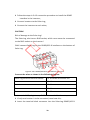
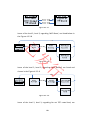
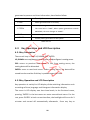
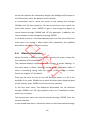
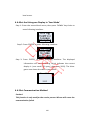
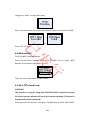
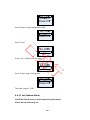
enter the following interface: Step 2: Press ‘ENTER’ to enter following interface: the flicking screen indicates the information displayed is able to be set. Step 3: Press ‘DOWN’ or ‘UP’ to select the language(As far as now, ONLY English is available), press ‘ENTER’ or ‘ESC’ to enter previous menu, press ‘ESC’ again to enter first‐level menu; if no key operation for 20S, the interface will automatically enter first‐
60