1
NETGEAR 8800 Chassis Switch CLI Manual
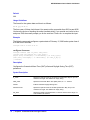
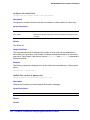
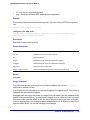
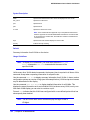
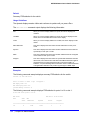
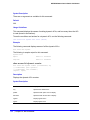
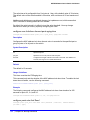
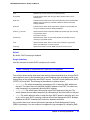
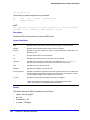
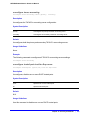
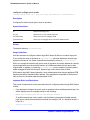
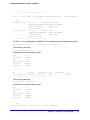
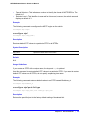
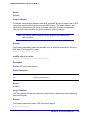
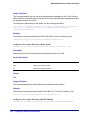
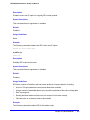
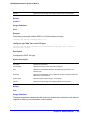
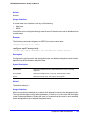
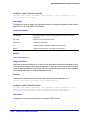
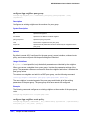
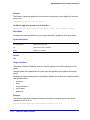
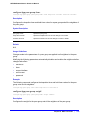
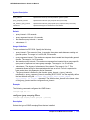
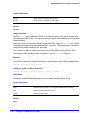
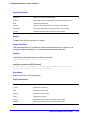
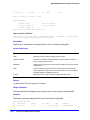
configure slot restart-limit
configure slot <slot-number> restart-limit <num_restarts>
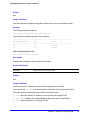
Description
Configures the number of times a slot can be restarted on a failure before it is shut down.
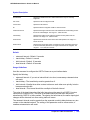
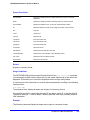
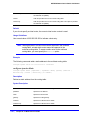
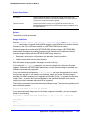
Syntax Description
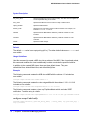
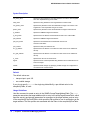
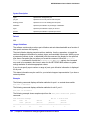
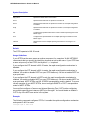
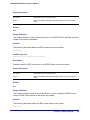
slot-number
Specifies the slot number
num_restarts
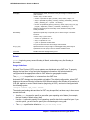
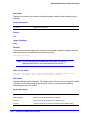
Specifies the number of times the slot can be restarted. The range is from 0
to 10,000.
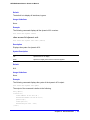
Default
The default is 5.
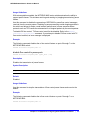
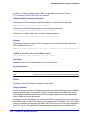
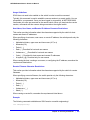
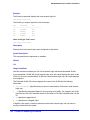
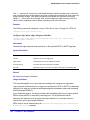
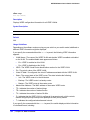
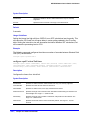
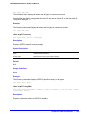
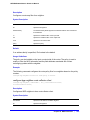
Usage Guidelines
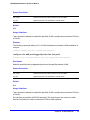
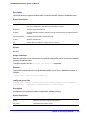
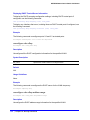
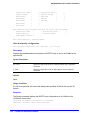
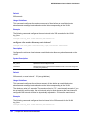
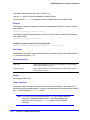
This command allows you to configure the number of times a slot can be restarted on a
failure before it is shut down. If the number of failures exceeds the restart-limit, the module
goes into a “Failed” state. If that occurs, use the disable slot and enable slot commands to
restart the module.
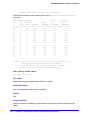
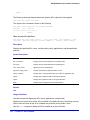
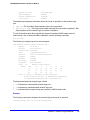
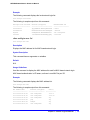
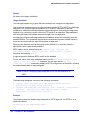
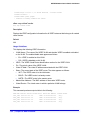
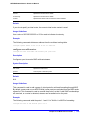
Example
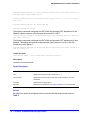
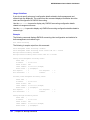
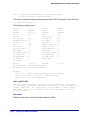
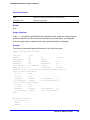
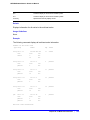
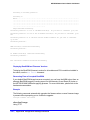
The following command configures slot 2 on the switch to be restarted up to 3 times upon a
failure:
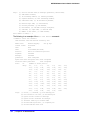
configure slot 2 restart-limit 3
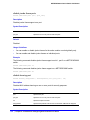
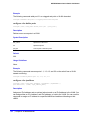
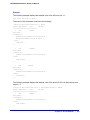
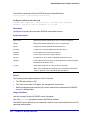
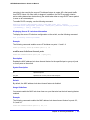
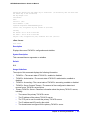
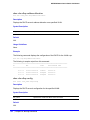
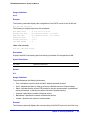
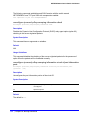
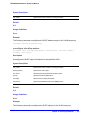
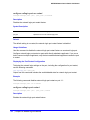
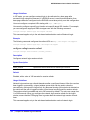
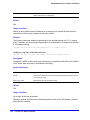
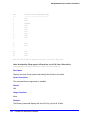
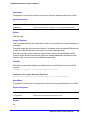
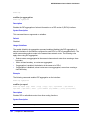
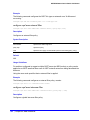
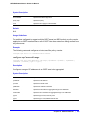
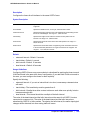
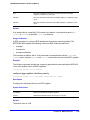
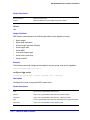
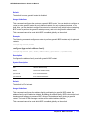
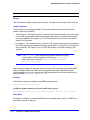
disable flow-control rx-pause ports
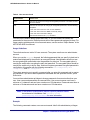
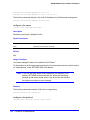
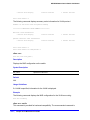
disable flow-control rx-pause ports [<port_list> | all]
Description
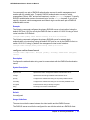
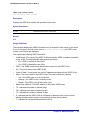
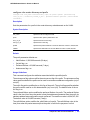
Disables the processing of received pause flow control messages.
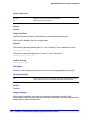
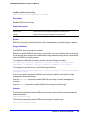
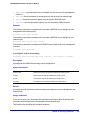
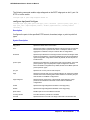
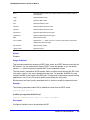
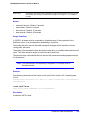
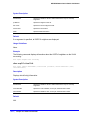
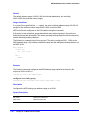
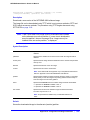
Syntax Description
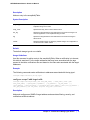
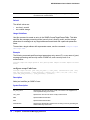
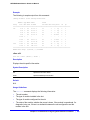
port_list
Specifies one or more ports or slots and ports.
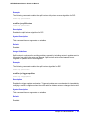
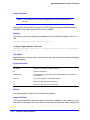
Default
Enabled
216 | Chapter 5. Commands for Configuring Slots and Ports on a Switch