1
D1374203_User_Manual_MXP_CCM
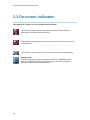
3.3 On-screen Indicators
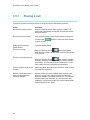
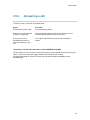
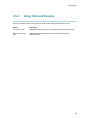
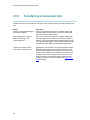
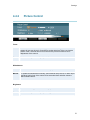
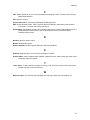
The system has a number of icons signaling different settings:
Microphone Off
This indicator is shown when the microphone is turned off. Press the Mic off
button again to turn the microphone back on.
Volume Off
This indicator is shown when the volume is turned off. Press Volume + to turn the
volume back on.
Message
This indicator is shown if there is one or more new voice mail messages pending
Headset active
Activate the headset by pressing the button in front of the TANDBERG 1000
MXP. Deactivate the headset by pressing the button once more. A headset
indicator is shown when the headset is active.
34