1
AN-X2-SQD-MAS Page 15
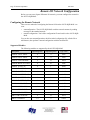
Description
Input Registers
Output Registers
Type Code
RIM331 32 IN DC (D5)
2
0
0xD5
RIM101 16 IN AC/DC
1
0
0xE0
RIM331 32 IN DC
2
0
0xE1
SIM116 16 IN SIM
1
0
0xE3
RIM301 16 IN AC
1
0
0xE5
RIM731 64 IN AC/DC
4
0
0xED
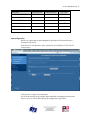
Autoconfiguration
Before you can perform an autoconfiguration, the Remote I/O network must be
connected to the AN-X.
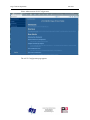
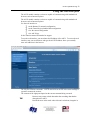
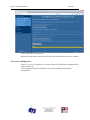
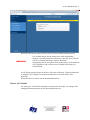
From the AN-X web interface, select Automation Network/Square D I/O Network
Configuration.
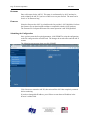
Click the Auto-configure Network button.
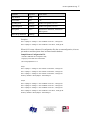
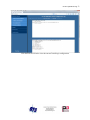
AN-X sends messages to all possible drops and builds a configuration based on the
replies it receives. AN-X then displays the configuration it generated.