1
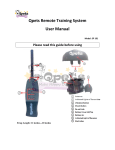
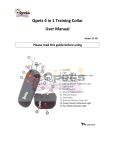
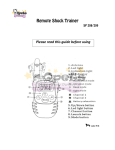
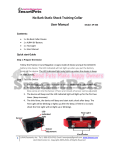
How to test the shock function 1. Use the TEST LIGHT attach on the both side of Electrodes (Metal). 2. Press Shock Button, the TEST LIGHT will blink or keeps on. How to use the transmitter Press Vibration Button on the transmitter (located in the middle of the transmitter), the Orange and Red LED Indicated Light on the transmitter will stay on. Button 1- 6 are Shock Button for the Receiver. (Decrease in static shock which the 1 Button is the strongest static shock). The Orange Indicated Light will on when you press the Button 1-3, the Red Indicated Light will on when you press the Button 4-6. The receiver will get into the SAVE MODE if you do not use it for 2 minutes and there is no LED light on the receiver. Please gently shack it, it will be back to the STANDBY MODE. How to change the battery Please replace the battery when there is no LED Indicated light on the transmitter when you press any button on the transmitter. Please replace the battery when there is no LED Indicated light on the Receiver. How to re-set/re-pair Receiver with Transmitter The Training System might stop working if the receiver lost the code with Transmitter. Please re-set/re-pair the receiver with transmitter. 1. Make sure the transmitter is power on 2. Put the battery into the receiver. 4