1
Item
Description
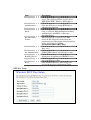
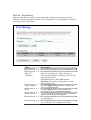
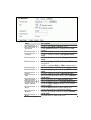
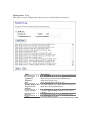
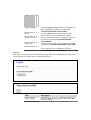
Save Settings to File Click the Save button to download the
configuration parameters to your personal
computer.
Load Settings from Click the Browse button to select the
File
configuration files then click the Upload button to
update the selected configuration to the WLAN
Broadband Router.
Reset Settings to
Click the Reset button to reset the configuration
Default
parameter to factory defaults.
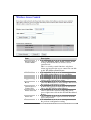
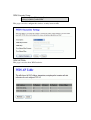
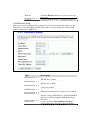
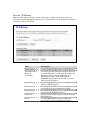
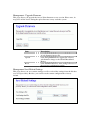
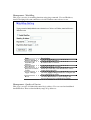
Management - Password Setup
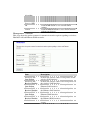
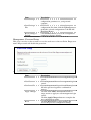
This page is used to set the account to access the web server of Access Point. Empty user
name and password will disable the protection.
+
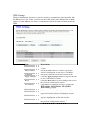
Item
User Name
Description
Fill in the user name for web management login
control.
New Password
Fill in the password for web management login
control.
Confirmed Password Because the password input is invisible, so please
fill in the password again for confirmation
purpose.
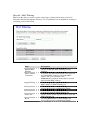
Apply Changes
Clear the User Name and Password fields to
empty, means to apply no web management login
control.
Click the Apply Changes button to complete the
new configuration setting.
Reset
Click the Reset button to abort change and
recover the previous configuration setting.