1
• Installation
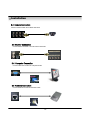
3.1 Hard Disk Installation
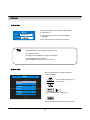
① Jumper Setup Master or Slave
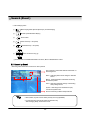
• Jumper Setup as Master or Slave refer to Explanation of
Surface Hard Disk
• Jumper is located at Hard Disk Data Cable or Rear
of Hard Disk
1
1 Side
• If One Hard Disk Installation, Setup as Master
1 If Two Hard Disk Installation, Second One Setup as Slave
‼ When Hard Disk Add or Exchange, Must System Off
Properly (Power Button System Off). If not, it’s a cause of
Fatal Error of Disk.‼
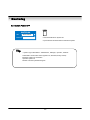
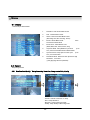
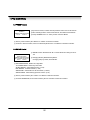
※ Example of Samsung HDD Jumper Setup
• Refer to General Pin Setting in Jumper Pin Setting on HDD Surface
• When One HDD Install, Setup Pin as Master
1 and Connect Pin at the Left end of Jumper
• When Two HDD Install or Add HDD, One is for Master and
Other is for Slave. Slave Setup has No Pin.
1 1 the
• When More than Two HDD Installation, Setup as Master & Slave
1 to Connect One IDE Cable the Same Method of Above
!!Please use HDD which can supply higher than UDMA66.!!
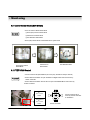
② IDE Cable Connection to Main Board
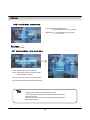
• Confirm the IDE Cable Inside of Product
• Among the Three Connector, Indicated Blue Color 1
Connector Must be Connected with Main Board. Other 1
Connectors Connected with HDD
13