1
Chapter 2. Obtaining and running the IBMIT
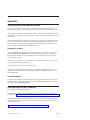
This section explains all of the steps needed to have IBM Installation Toolkit (IBMIT) up and running so
that you can start using it.
IBM Installation Toolkit is available for download from IBM's Web site at http://
www14.software.ibm.com/webapp/set2/sas/f/lopdiags/installtools/.
Running IBMIT on a live system
This section explains how to get IBMIT live system up and running.
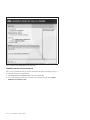
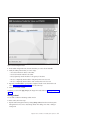
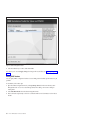
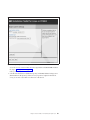
In order to run the live system, download the IBMIT media and boot a machine with it. Various boot
methods can be used: CD/DVD-ROM boot, IBMIT ISO image directly, network-based boot or USB device
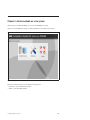
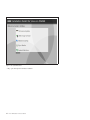
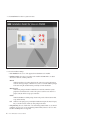
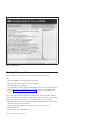
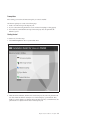
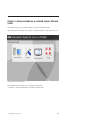
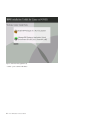
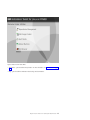
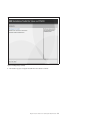
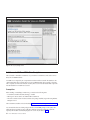
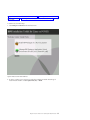
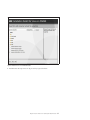
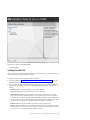
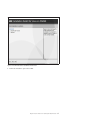
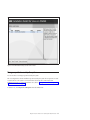
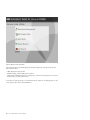
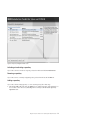
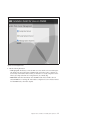
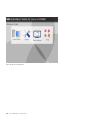
boot. After the boot process is completed, choose if you want to use the IBMIT live system user interface
or the recovery console.
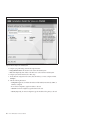
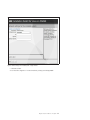
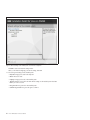
To learn more about the steps described above, consult these sections:
v “Configure the boot server for IBM Installation Toolkit” on page 76
v “Manage client systems for the boot server” on page 82
v “Create an IBM Installation Toolkit bootable USB key” on page 127
v “Configuring the boot method to be used by the system” on page 203
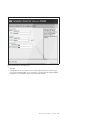
v “Creating an assigning virtual CD/DVD devices to an LPAR” on page 194
v “Associating an ISO image to a virtual CD/DVD device of an LPAR” on page 196
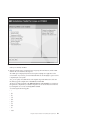
Booting from CD/DVD-ROM
To
1.
2.
3.
boot from a DVD disk, follow these steps:
Burn the IBMIT ISO image onto a DVD disk
Ensure the IBMIT DVD disk is in the CD/DVD-ROM drive of the machine you want to boot
Restart the system or power it on
4. Configure the system to boot from the CD/DVD-ROM drive and proceed
Booting from the ISO image directly
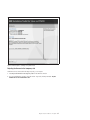
This type of boot is possible only with LPARs that can have virtual CD/DVD devices assigned to it.
To
1.
2.
3.
4.
boot directly from the IBMIT ISO image, follow these steps:
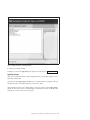
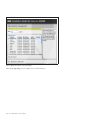
Create a new CD/DVD virtual device and assign it to the LPAR you want to boot with IBMIT
Associate the IBMIT ISO image with that CD/DVD virtual device
Restart the LPAR or power it on
Configure the LPAR to boot from the CD/DVD virtual device and proceed
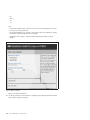
Booting from the network
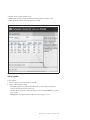
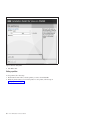
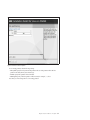
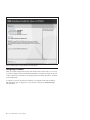
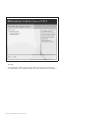
To boot IBMIT from the network, follow these steps:
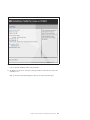
1. Configure a network boot server for IBMIT
2. Configure the boot server for the machine to boot from it
© Copyright IBM Corp. 2009, 2010
7