1
PRO SERIES DVR User’s Guide
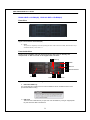
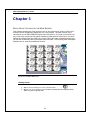
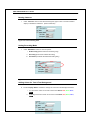
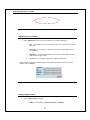
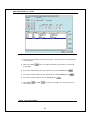
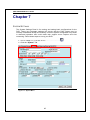
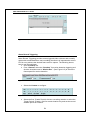
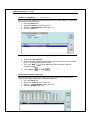
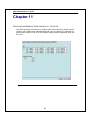
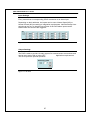
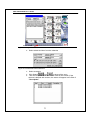
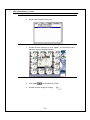
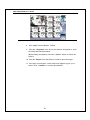
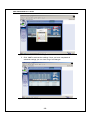
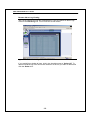
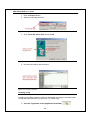
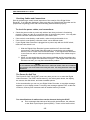
Figure 15-31: Remote Playback image
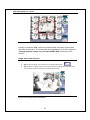
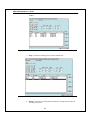
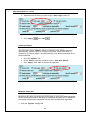
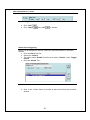
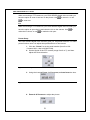
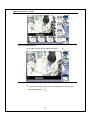
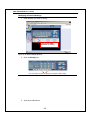
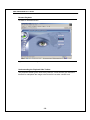
When you want to see the image enlarged, just click the “Zoom In” button and
then the image will be enlarged. See image below.
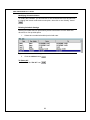
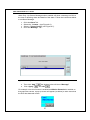
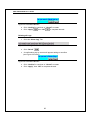
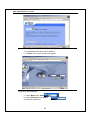
Figure 15-32: Remote Playback Enlarged Image
Taking a Snapshot
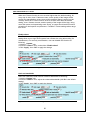
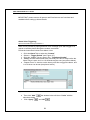
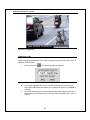
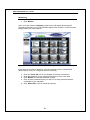
The PRO SERIES DVR gives users the opportunity to take pictures of recorded
data. While viewing the playback image, there might be a time when you would
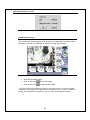
like to take snapshots of video and print it out. In order to do this:
1.
2.
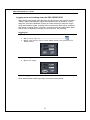
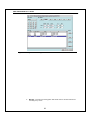
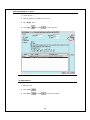
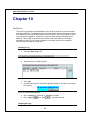
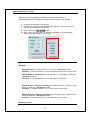
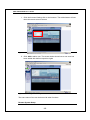
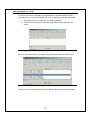
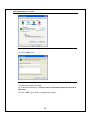
Click the Snapshot button
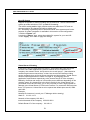
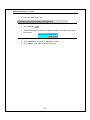
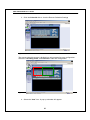
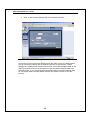
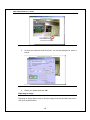
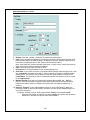
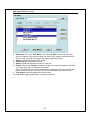
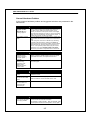
From the pop-up window, select the resolution size of your print. The
system provides three resolutions, 320x240, 480x320 and 640x480.
112