1
Use
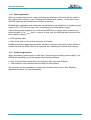
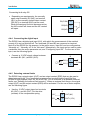
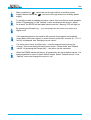
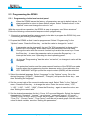
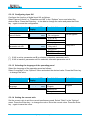
6. Exit the programming. Select “Programming” in the “Options” menu. Press the Enter key
↙ so that the value is changed to “not active”. The protection function and the
measurement functions of the RP600 are reactived. As an indication, the LED
“WARNING” will go out.
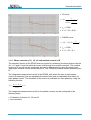
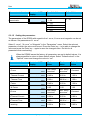
5.3.1.1 Configuring fault relays R1 and R2
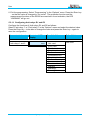
Configure the functions of fault relays R1 and R2 as follows:
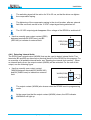
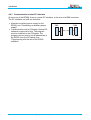
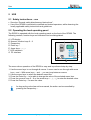
Select “Fault relay 1” or “Fault relay 2” in the “Options” menu and select the desired value.
Press the Enter key ↙ to be able to change the value and press the Enter key ↙ again to
save the configuration.
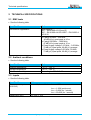
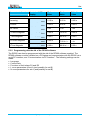
Parameter to be set
Fault relays 1 and 2
Content of LCD
display
Fault relays 1 / 2
Value
Possible Values
Not used
Default Value
Not used
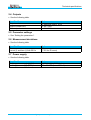
Every fault
Overcurrent
Short circuit current
Fault on L
Overcurrent on L
Short circuit on L
Fault on N
Overcurrent on N
Short circuit on N
Warning
Warning L
Warning N
Digital protection relay RP600
5-5