1
ARM Project Manager
2.4
Additional APM functions
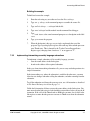
This section describes:
•
configuring tools
•
force building a project
•
adding a new variant to a project
•
building selected variants
•
changing the name of a project
•
converting old projects
•
stopping a build.
2.4.1
Configuring tools
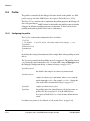
You can change how a tool, such as a compiler or assembler, is executed by changing
its configuration within the Project Manager. You can change either the system-wide
configuration (see Making system-wide configuration changes on page 2-22), or
project-specific configuration (see Making project-specific configuration changes on
page 2-22).
Tool configuration can be associated with:
•
the whole project
•
a project variant (a particular version of the project
•
a partition (all files of the same kind)
•
an individual file.
When a tool configuration is associated with a file, it is associated with that file as an
input to a build step, not with that file as an output from a build step. For example, if
you select an image you can change the debugger configuration but not the linker
configuration. Linker configuration is associated with object files.
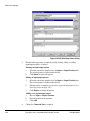
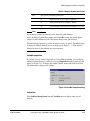
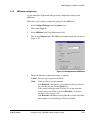
The Tool Configuration dialog
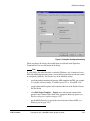
The appearance of the Tool Configuration dialog varies with the tool you are
configuring. Tools that are APM compliant, such as armcc, tcc, armcpp, tcpp, armasm,
and armlink, respond by displaying their configuration interface. For most ARM tools
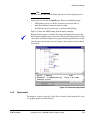
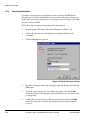
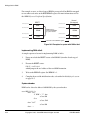
this consists of sets of property sheets. Figure 2-9 on page 2-21 shows the configuration
dialog for the ARM C compiler.
2-20
Copyright © 1997, 1998 ARM Limited. All rights reserved.
ARM DUI 0040D