1
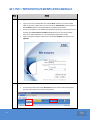
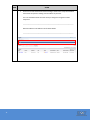
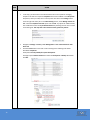
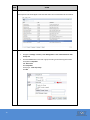
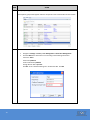
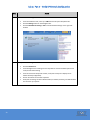
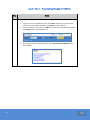
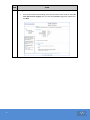
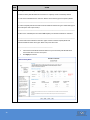
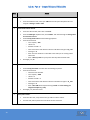
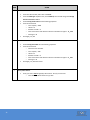
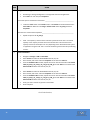
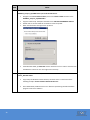
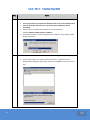
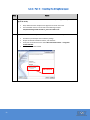
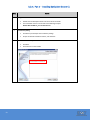
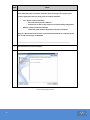
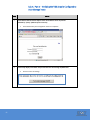
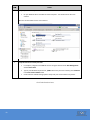
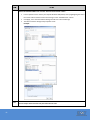
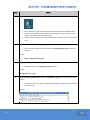
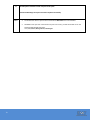
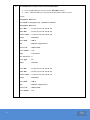
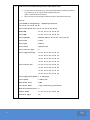
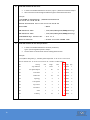
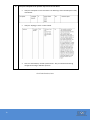
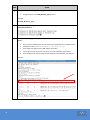
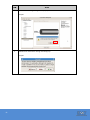
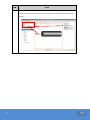
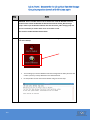
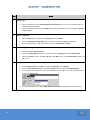
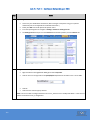
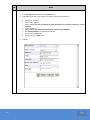
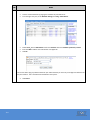
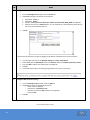
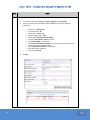
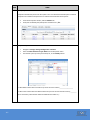
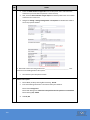
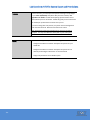
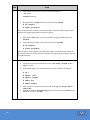
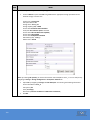
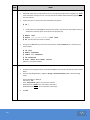
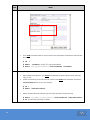
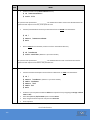
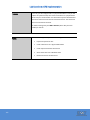
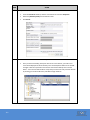
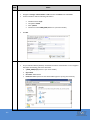
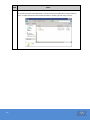
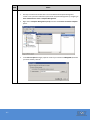
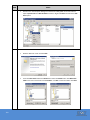
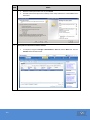
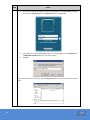
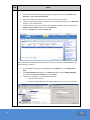
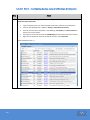
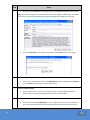
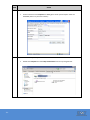
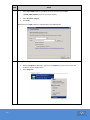
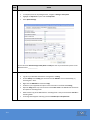
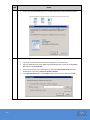
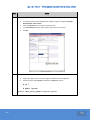
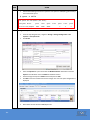
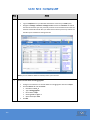
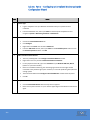
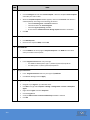
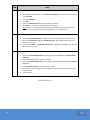
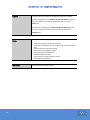
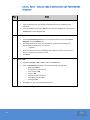
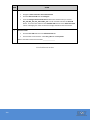
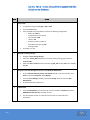
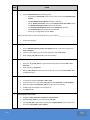
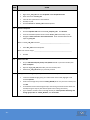
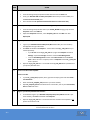
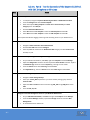
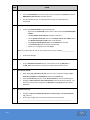
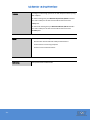
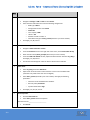
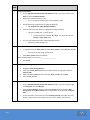
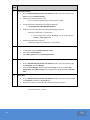
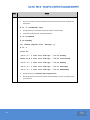
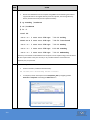
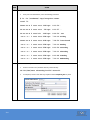
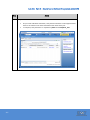
Lab 5: Part 6 - Remove the the Linux Host from the Storage Group in prepartion to work with Windows again Step Note Action REMINDER: Please remember that in order to do both sets of labs for Windows and Linux , you will need to remove the Windows Production host from the TeamX_WIN-X storage group in order to put the RedHat Production host into the TeamX_LIN-X storage group and vice-versa each time you need to work on one or the other in a lab. This cannot be avoided with dual-booted hosts! 1 Prepare to Reboot the Linux host into Windows by double-clicking on the Boot to Windows icon on the desktop. 103 This will bring up a Terminal Window. Read the message that the batch job echos and confirm you have just setup Windows as the default boot OS. Hit the spacebar to close the terminal window and go to the next step.