1
Setting Up the Agilent Logger
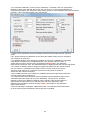
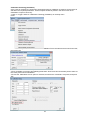
· Using the Agilent front panel, configure the data output as follows
· Press
together
· Select the RS-232 interface using rotary selector (not GPIB).
· Press
· Set 9600 as the baud rate
· Press
· Set the parity and number of data bits as None (8 data bits)
· Press
· Set the flow control method to None
· Save changes and Exit.
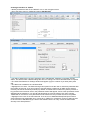
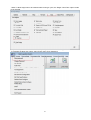
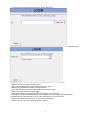
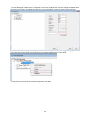
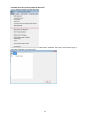
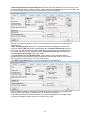
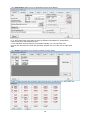
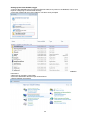
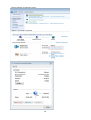
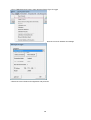
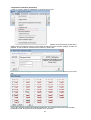
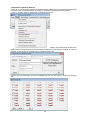
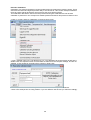
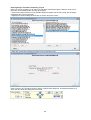
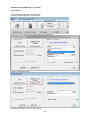
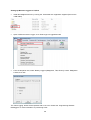
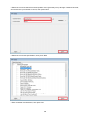
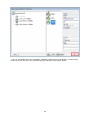
· Open TQSoft go to Logger and Select Logger
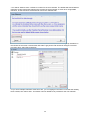
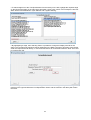
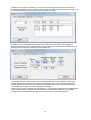
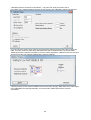
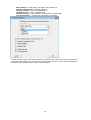
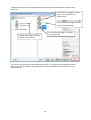
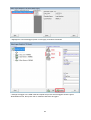
· Find Agilent 34970A from the drop down menu
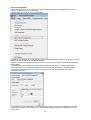
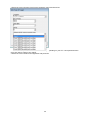
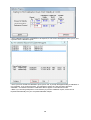
· TQSoft will automatically set the correct Baud Rate, Databits and Parity
23