1
Analyser Control for Windows for Networks - Operating Manual
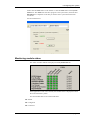
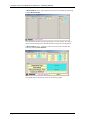
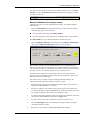
Exclusion Periods tab
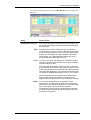
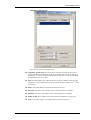
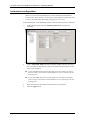
If the manual exclusion check box on the compliance channels tab is checked
then these are the manual exclusion periods that will be used. They apply to all
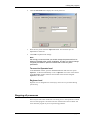
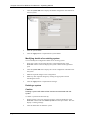
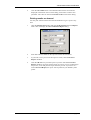
the reports. When an exclusion period is selected its details are shown in the
Edit Periods panel:
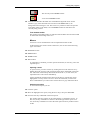
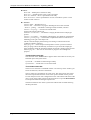
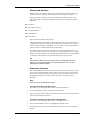
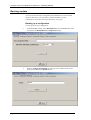
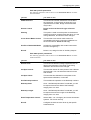
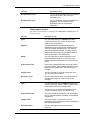
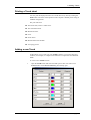
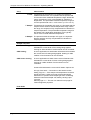
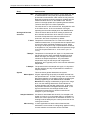
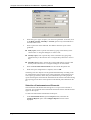
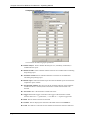
This tab contains the following features:
■ Add. This button adds a new period with default start and end dates of midnight of
the current date to midnight of the next day.
■ Delete. This button removes the selected exclusion period.
■ Start Date. Allows the start date to be changed.
■ Start Time. Allows the start time to be changed.
■ End Date. Allows the end date to be changed.
■ End Time. Allows the end time to be changed.
■ Description. Enter a description to help explain the exclusion.
■ Apply. Applies the changes made to the selected period to the grid.
page 8-16
PROCAL ANALYTICS LTD
issue 3