1
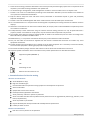
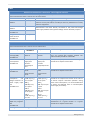
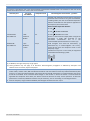
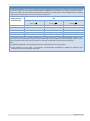
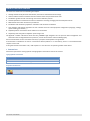
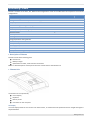
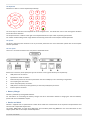
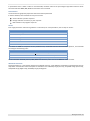
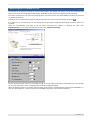
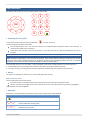
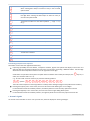
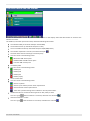
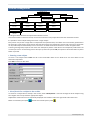
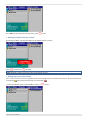
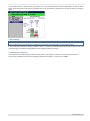
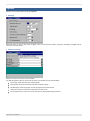
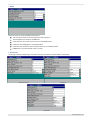
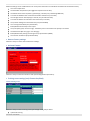
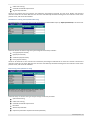
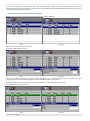
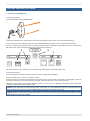
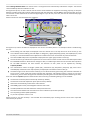
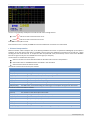
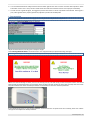
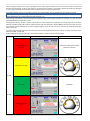
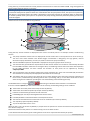
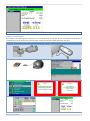
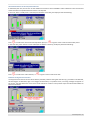
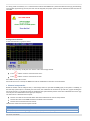
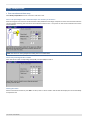
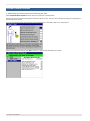
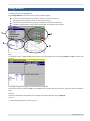
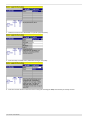
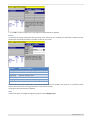
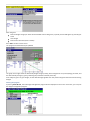
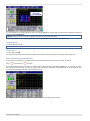
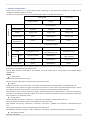
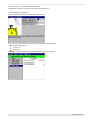
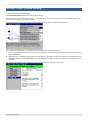
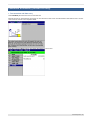
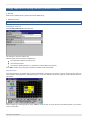
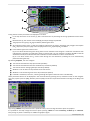
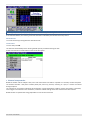
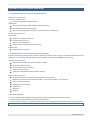
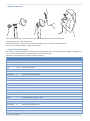
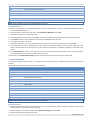
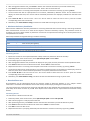
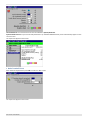
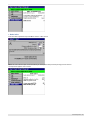
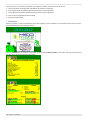
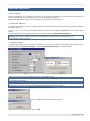
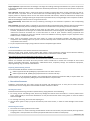
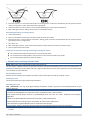
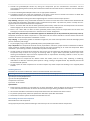
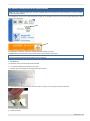
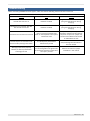
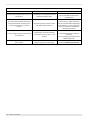
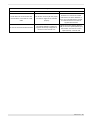
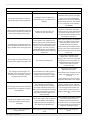
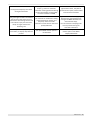
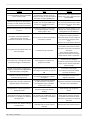
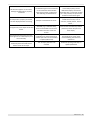
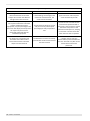
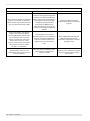
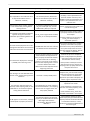
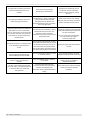
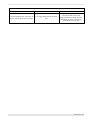
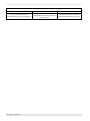
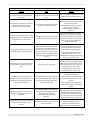
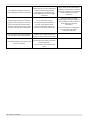
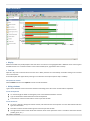
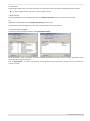
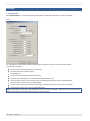
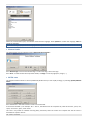
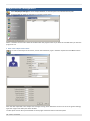
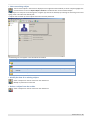
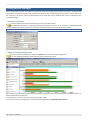
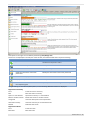
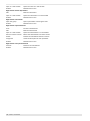
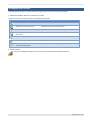
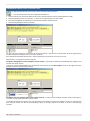
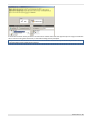
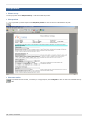
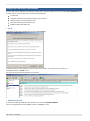
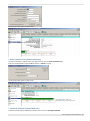
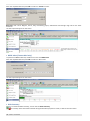
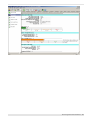
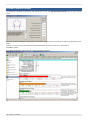
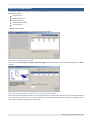
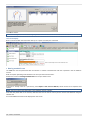
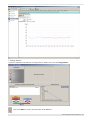
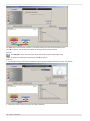
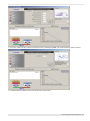
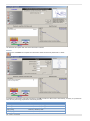
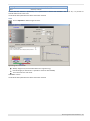
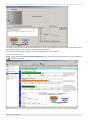
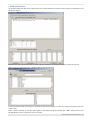
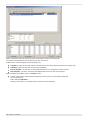
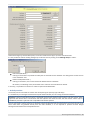
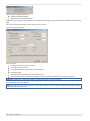
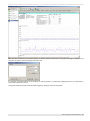
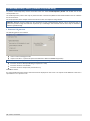
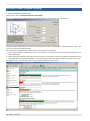
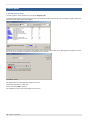
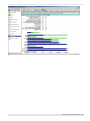
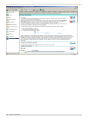
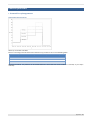
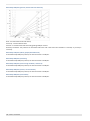
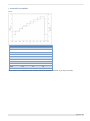
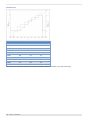
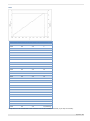
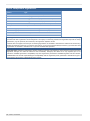
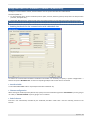
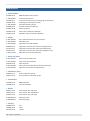
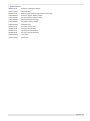
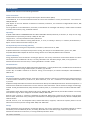
Select an existing subject The list of the subject in the archive is displayed on the right side of the window, to select a subject highlight one record and click on the icon Open subject’s sessions or double left click on the selected subject. Every subject can easily be traced through the navigator (top side of the window) by selecting the searching criteria and typing name or ID code in the field by side. A subject card will show up all the subject information and test performed. The following icons will appear in the left side of the window: Icon Click Double click - Create a new session Show the trend - Show the summary of the session (already closed) Enter in the session (already closed) Show the summary of the session Enter in the session Modify the data of an existing subject Select a subject from the list and click on the related icon. Modify any information contained. Delete a subject from the archive Select a subject from the list and click on the related icon. Software features - 155