1
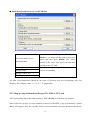
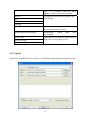
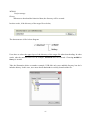
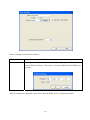
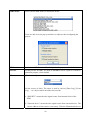
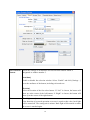
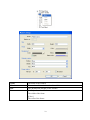
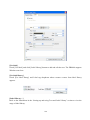
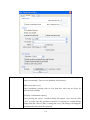
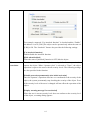
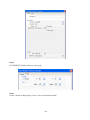
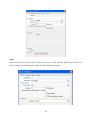
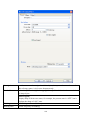
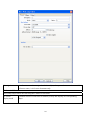
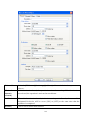
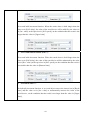
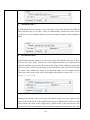
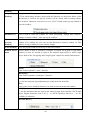
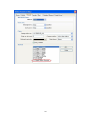
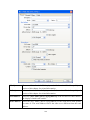
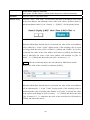
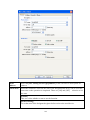
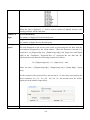
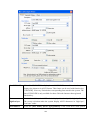
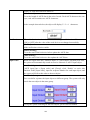
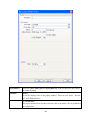
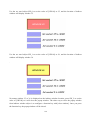
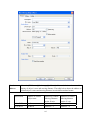
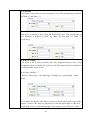
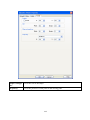
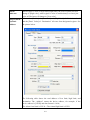
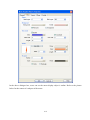
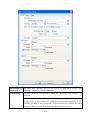
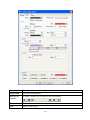
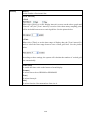
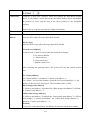
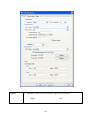
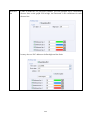
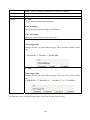
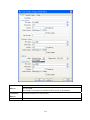
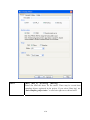
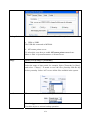
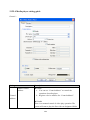
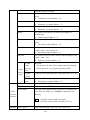
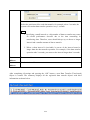
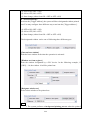
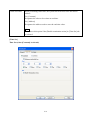
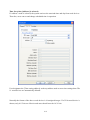
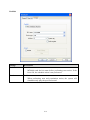
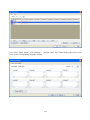
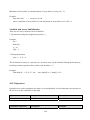
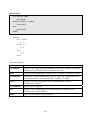
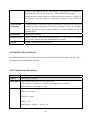
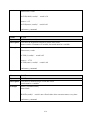
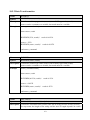
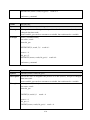
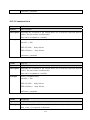
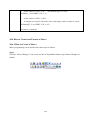
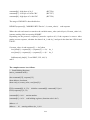
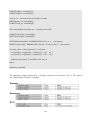
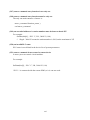
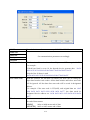
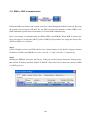
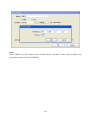
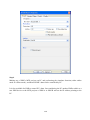
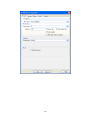
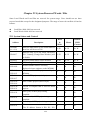
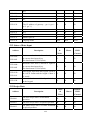
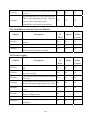
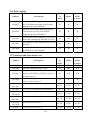
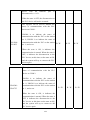
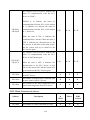
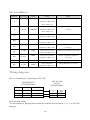
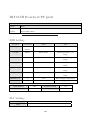
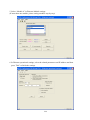
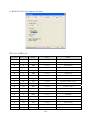
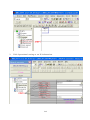
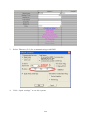
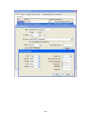
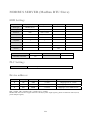
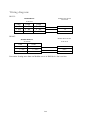
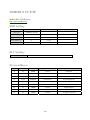
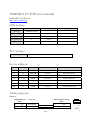
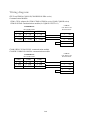
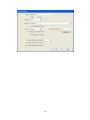
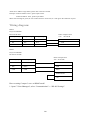
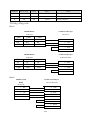
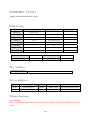
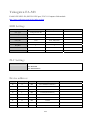
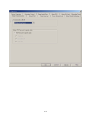
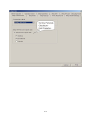
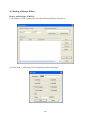
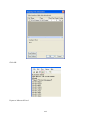
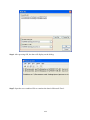
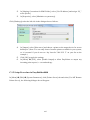
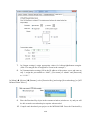
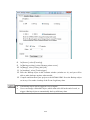
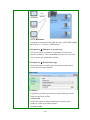
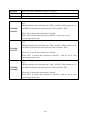
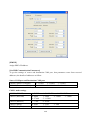
m. ”Set when backlight on”
When the backlight is turned from off to on, the value of [Set value] will be
automatically written into the word device.
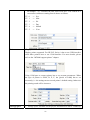
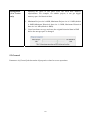
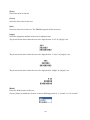
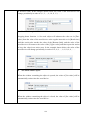
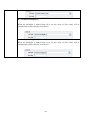
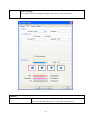
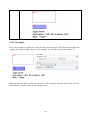
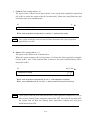
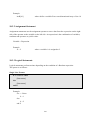
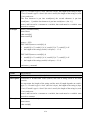
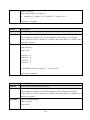
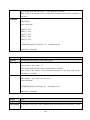
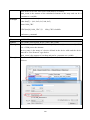
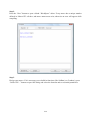
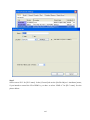
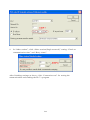
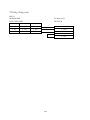
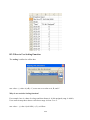
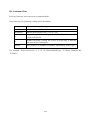
n. “Set when backlight off”
When the backlight is turned from on to off, the value of [Set value] will be
automatically written into the word device.
154