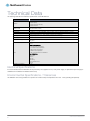
1
Web Based Configuration
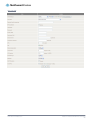
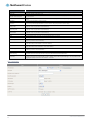
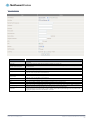
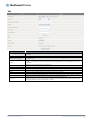
Interface
First-time Setup Wizard
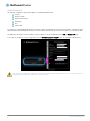
Please follow the steps below to configure your NB16WV-02 Wireless router via the web based configuration wizard.
Open your web browser (e.g. Internet Explorer/Firefox/Safari) and type http://192.168.20.1/ into the address bar at the top of
the window.
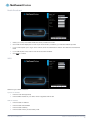
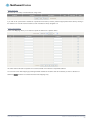
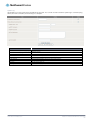
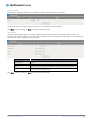
At the login screen, type admin in the username and password field, then click the Login button.
Note: admin is the default username and password for the unit.
1.
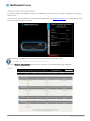
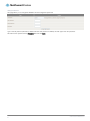
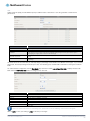
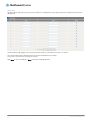
Click on Yes, let’s get started with the wizard.
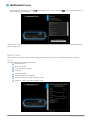
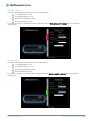
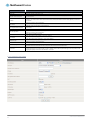
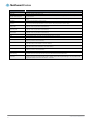
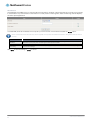
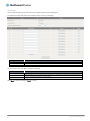
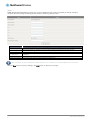
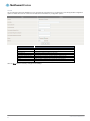
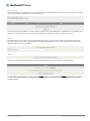
The wizard assists you in configuring the router and entering the information required to setup your Internet connection.
www.netcommwireless.com
NetComm Wireless NB16WV-02 User Guide
14