1
306
Facility Commander Wnx 7.5
User Manual
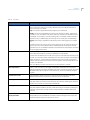
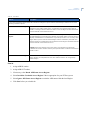
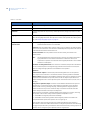
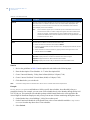
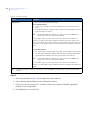
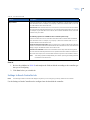
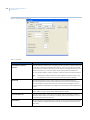
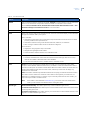
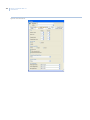
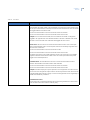
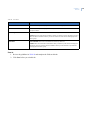
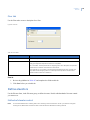
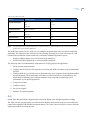
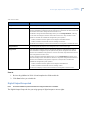
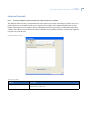
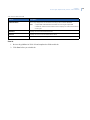
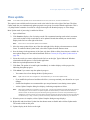
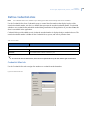
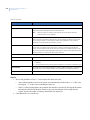
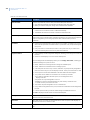
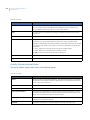
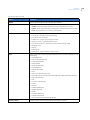
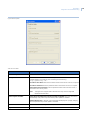
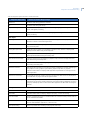
Table 176. Form fields (continued)
Element
Description
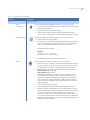
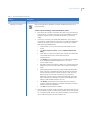
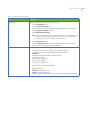
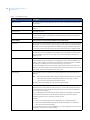
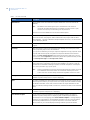
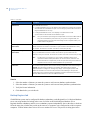
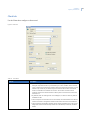
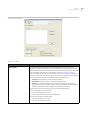
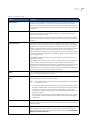
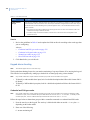
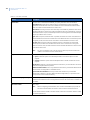
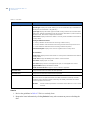
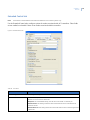
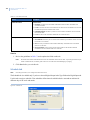
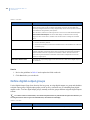
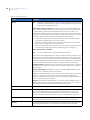
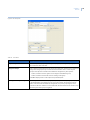
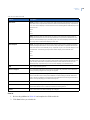
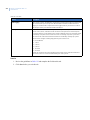
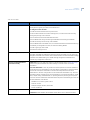
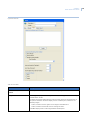
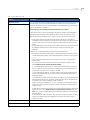
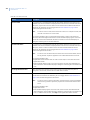
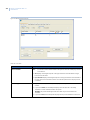
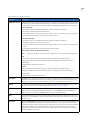
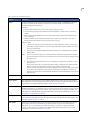
Start Tour Point
From the drop-down list, select a tour point as the start point of this tour.
• Only direct and network controller devices display in this drop-down list.
• When you select a start point, Assign Tour Points becomes available.
Max tour time (min)
Route Activity to Printer
• Enter the maximum number of minutes that this tour is allowed to last. When the
maximum time is reached, a tour is ended automatically.
• The default and maximum number of minutes in this field is 480.
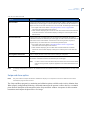
Select this check box to route credential activities to a selected and enabled system
printer at the client computer that is hosting the guard tour. You must have two separate
printers configured if you are using a printer for tour activities and a printer for
credentials.
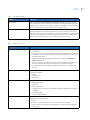
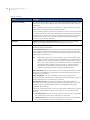
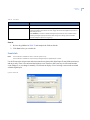
Tour Points
• Displays a list of assigned tour points. All tours are random. A random tour is a tour
where all of its points do not need to be hit in a particular order, except the assigned
start point.
• Every time this tour is executed, the order of “hit” points can vary. A random tour
ends automatically when all of its tour points have been hit.
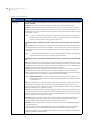
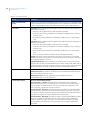
Assign Tour Points
• Click to display a Point Assignment dialog box, allowing you to assign Tour Points to
this tour.
• Selection results display in the Tour Points windowpane.
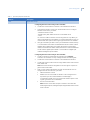
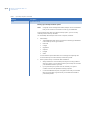
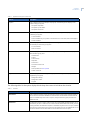
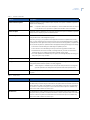
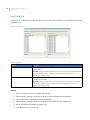
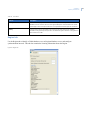
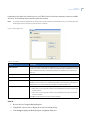
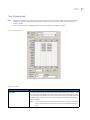
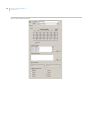
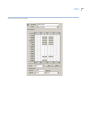
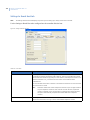
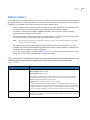
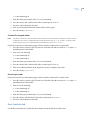
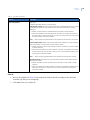
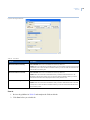
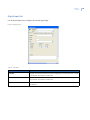
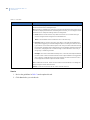
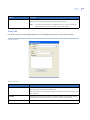
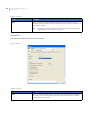
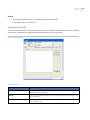
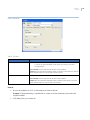
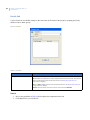
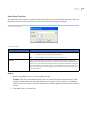
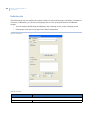
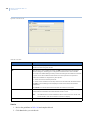
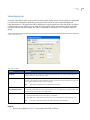
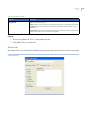
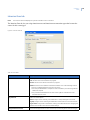
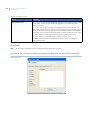
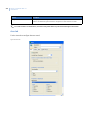
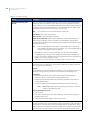
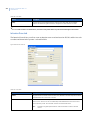
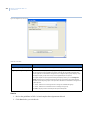
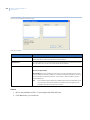
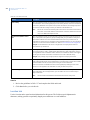
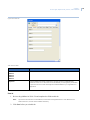
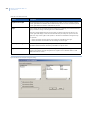
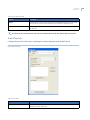
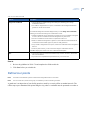
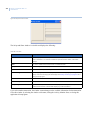
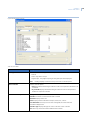
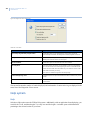
The Point Assignment window displays when you click Assign Tour Points, enabling you
to select and assign tour points to a tour.
• Select, and then click the right arrow to assign an available point.
• Select, and then click the left arrow to unassign a point.
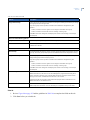
• A DI start point can exist in only one tour; therefore, any DIs previously assigned as
Start Tour Point in any tour, do not display in the list. The DI point cannot be re-used.
• All tour points must be associated with controllers within the same Region.
• Tour points can be readers or DIs that are not on a dial-up controller:
1) If a reader is selected as the start point, DIs not assigned to a tour,
display in this list.
2) DI points can only be assigned to one tour.
3) Reader tour points can be assigned to any tour and any number of tours.
A reader as a tour point can be re-used.
• The number of points assigned to a tour is limited to 64.
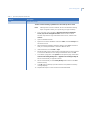
• If any reader is assigned as a tour point, at least one credential must be assigned to
the tour.
• If all tour points are DIs, you do not need to assign a credential to the tour.
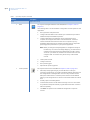
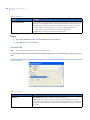
Click OK to display the results in the Tour Points windowpane.
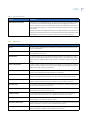
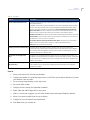
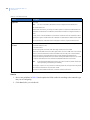
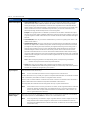
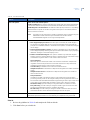
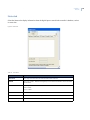
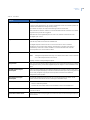
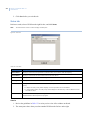
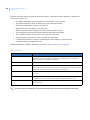
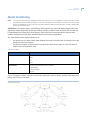
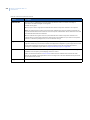
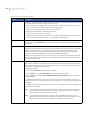
Move Up
Select and click to move this Tour Point up the list. This tour point order displays on the
Manual Control form, Guard Tour tab.
Move Down
Select and click to move this Tour Point down the list. This tour point order displays on
the Manual Control form, Guard Tour tab.
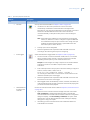
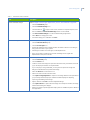
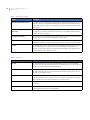
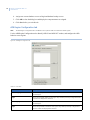
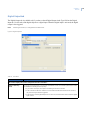
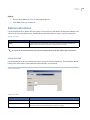
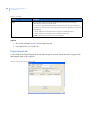
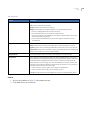
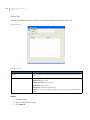
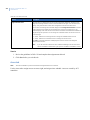
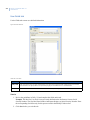
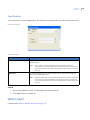
Tour Credentials
Displays a list of assigned tour credentials. At least one credential must be assigned to a
tour.