1
Danish Interpretation Systems
User Manual
.
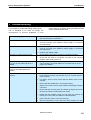
8 Troubleshooting
In this chapter a simple fault-finding guide is given.
This is intended to be used to remedy the
consequences of incorrect installation. If more
serious faults or problems arise the installer should
contact a qualified technician.
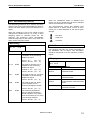
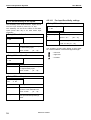
Transmitter display does not light up:
Check that the mains supply to the transmitter is connected and
that the transmitter is switched on.
Transmitter indicates “no radiators”:
Ensure that connections to all radiators have been made
correctly and that each radiator’s mains supply is connected
and switched on.
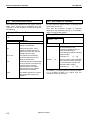
Transmitter indicates “radiator fault”:
Ensure that connections to all radiators have been made
correctly and that each radiator’s mains supply is connected
and switched on.
Examine the radiator LEDs.
Check that the emergency contact is connected correctly.
Check that the audio is connected according to the selected
auxiliary input mode (menu 4H).
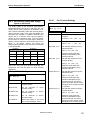
Red LED flashes and amber LED is
on of one or both IRED panels of a
radiator:
IRED panel is in temperature protection mode. Check that the
natural airflow around that radiator is not obstructed. If not so,
replace the radiator.
Both red LED and amber LED are on
of one or both IRED panels of a
radiator:
IRED panel malfunctions and the radiator should be replaced.
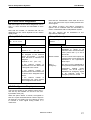
Infra red receiver fails to function
properly:
If disposable batteries are used, check whether the batteries
have sufficient capacity and whether they are inserted with the
correct polarity.
If a battery pack is used, ensure that the battery pack is fully
charged.
Ensure that the headphone is connected properly.
Switch the receiver on and check whether the display indicates
a channel.
Ensure that the receiver picks up sufficient IR signal and check
whether the antenna symbol becomes visible.
Enable the mini radiator (menu 4L) and check the receiver by
holding it in front of the mini radiator of the transmitter.
Ensure that the volume control is turned up.
Set the transmitter in test mode and check whether the test
Emergency contact does not work:
Manual 01 18 05675
49