1
Calling your favorite contacts
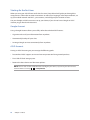
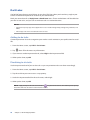
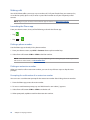
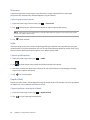
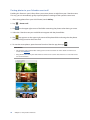
When you add a contact to your Favorites list, you can quickly call the contact from the Phone app.
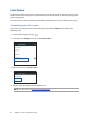
1. Launch the Contacts app.
2. Tap
to display your Favorites list, then tap your favorite contact whom you want to call.
3. Tap
to end the call.
Receiving calls
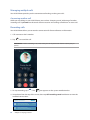
The touch screen of your ASUS Phone lights up when there is an incoming call. The display of the
incoming call also varies, depending on the status of your ASUS Phone.
Answering calls
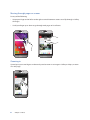
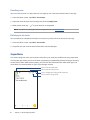
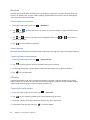
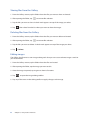
There are two ways to answer a call depending on the status of your ASUS Phone:
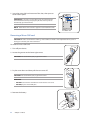
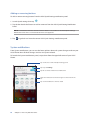
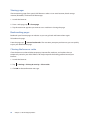
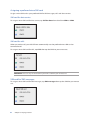
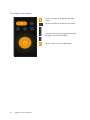
• If your device is active, tap Answer or to reject a call, tap Decline.
• If your device is locked, drag to
to answer or to
to reject the call.
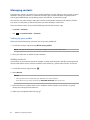
Managing your call logs
From your call logs, you can call back your missed calls, save calls to your contacts list, or redial your
recently-called number or contact.
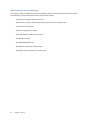
Saving calls to Contacts
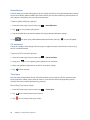
You can add a call/number from your call logs to your contacts list.
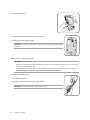
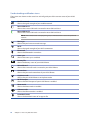
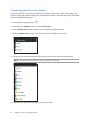
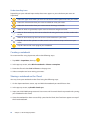
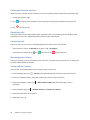
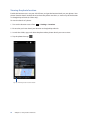
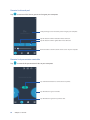
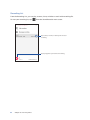
1. From the Phone app, tap
> All calls and select the type of call list that you want to view.
2. From your selected call list, select the number you want to save to Contacts.
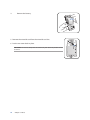
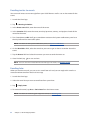
3. From the Call details screen, tap
displayed.
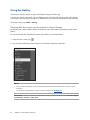
4. From the Phone app, tap
> Edit number before call. The Phone app screen is
> Add to contacts > Create new contact.
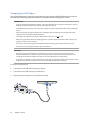
5. Enter the name of the new contact.
6. When done, tap
50
.
Chapter 4: Keeping in touch