1
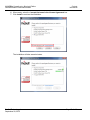
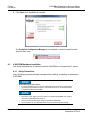
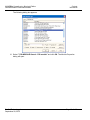
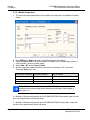
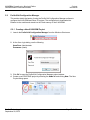
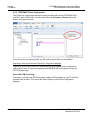
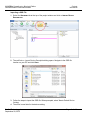
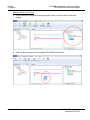
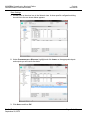
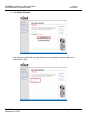
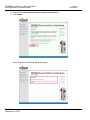
ILX69-PBM ♦ CompactLogix or MicroLogix Platform PROFIBUS Master Communication Module 5 Contents User Manual Configuration and Start-Up In This Chapter CompactLogix Project ............................................................................29 ProSoft fdt Configuration Manager ........................................................37 Downloading the Project to the ILX69-PBM ...........................................45 Adjusting Input/Output Data Lengths in the Project ...............................51 Project Storage ......................................................................................56 This chapter provides descriptions about the configuration and start-up of the ILX69-PBM. ILX69-PBM Configuration and Parameterization Steps: The configuration and parameterization of the ILX69-PBM is carried out in three steps: 1 Configuration of the module in a CompactLogix™ project using the Studio 5000 or RSLogix 5000 programming tool. 2 Parameterization and configuration of the ILX69-PBM with the ProSoft fdt Configuration Manager configuration software. 3 Creating the data objects and the ladder diagram in Studio 5000/RSLogix 5000. 5.1 CompactLogix Project This section covers the configuration of the ILX69-PBM in a CompactLogix™ system. 5.1.1 Creating a New Project 1 Open the FILE menu, and select NEW. ProSoft Technology, Inc. September 28, 2015 Page 29 of 124