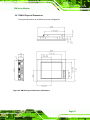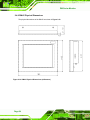
1
DM Series Monitor
5.5 Mounting the Monitor
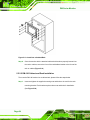
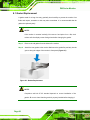
The DM series LCD monitor can be mounted in a panel, cabinet, rack, DIN rail or wall. The
monitor can also be mounted on a monitor arm or stand. The mounting methods are
described below.
CAUTION:
When mounting the monitor take care to tighten the retention screws or bolts
until fully secure, but do not over tighten. Over tightening the retention screws
or bolts may cause them to become stripped, rendering them useless.
5.5.1 Panel Mounting
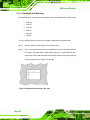
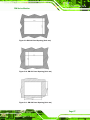
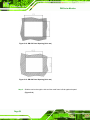
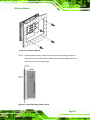
Each model of the DM series LCD monitor has a series of mounting slots located on the
top and bottom panel for mounting the monitor to a panel.
NOTE:
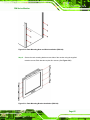
The DM-65 monitor requires two special mounting brackets for installation into
a panel. Refer to Section 5.5.1.2 for details.
5
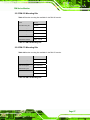
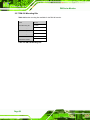
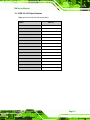
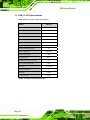
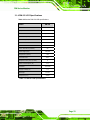
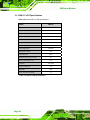
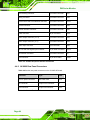
Table 5-6 lists the number of mounting clamps required to mount the monitor to a panel.
5
Model
Mounting Clamps
DM-190
14
DM-170
10
DM-150
10
DM-121
10
DM-104
10
DM-84
8
Table 5-6: Panel Mounting Clamps
Page 55