1
SIBELMED W20s User’s Manual
16
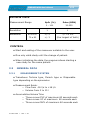
Verify that the hardware of your PC works
properly.
Verify your operating system is properly installed
and updated
Check if software updates are available W20s
2.4
INSTALLATION AND SETUP
2.4.1
SPIROMETRY SOFTWARE INSTALLATION
If the software is going to be installed under
Windows NT 4, Windows 2000, Windows XP, Windows
Vista, Windows 7 or Windows 8 operating systems, the
user must have Administrator rights to be able to install
all the program’s features. In case of any doubts,
contact your System Administrator or check the help of
the Operating System.
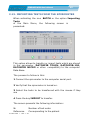
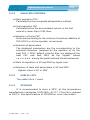
For the Software installation in PC hard disk media, you should
proceed as follows:
1
Introduce the CD_ROM in the CD-ROM reading unit.
2 If the PC’s CD_ROM unit has the auto run option enabled,
it will run to the automatic installation, otherwise the program
Setup.exe should be executed after acceding to the
corresponding CD_ROM unit.
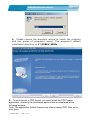
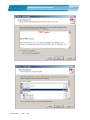
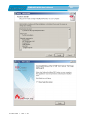
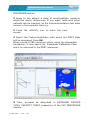
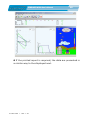
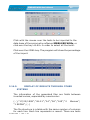
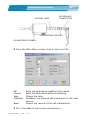
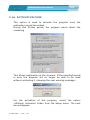
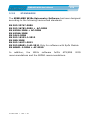
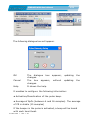
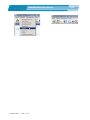
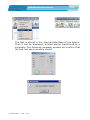
3 Once installed, it will appear the next window, which
permits to choose the installation process language.
511-BL0-MU2
•
REV. 1 .06