1
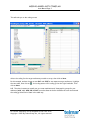
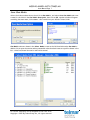
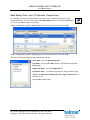
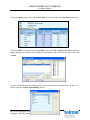
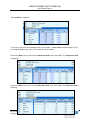
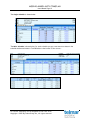
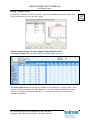
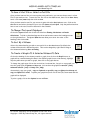
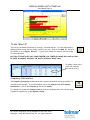
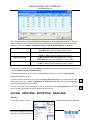
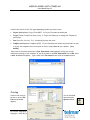
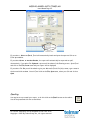
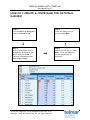
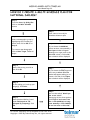
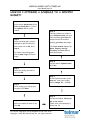
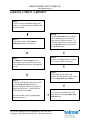
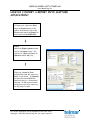
MEDIAPLANNER+ WITH TIMEPLAN User Manual Page 9 Click on the Rank button, then click on Cover Rank, then click on OK. The Cover Rank is displayed:- Click on the Rank button, then click on Cost Rank, then click on OK. A Select Cost File window will appear asking you to choose a cost file (these are followed by .cst). Select the file name, then click on Open. If you do not already have a previously saved cost file you will have to manually enter the cost. To do this, click on the Enter Costs Manually button. For further assistance call the Helpdesk on 020 7467 2575 Copyright 2015 By Telmar Group Inc., All rights reserved