1
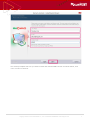
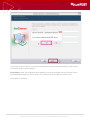
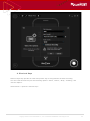
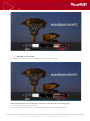
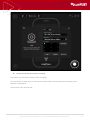
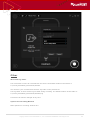
While recording with liteCam Android, you will have the option to pause any recording, and capture
screenshots.
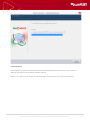
Preview
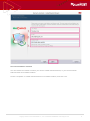
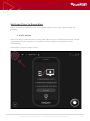
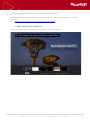
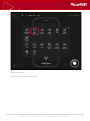
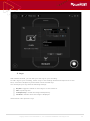
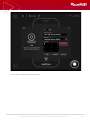
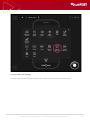
1. Select Preview
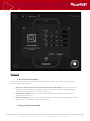
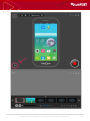
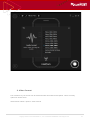
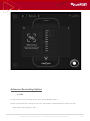
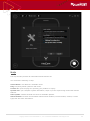
Your recorded videos and audio can be viewed in preview.
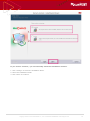
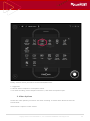
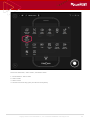
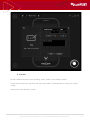
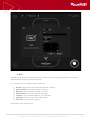
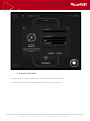
In the Preview window you can trim, convert, save as or delete your recording. You can hide or
unhide the recorded file list, and you can import other files or open the work folder.
The Work Folder is where all your recorded files are saved.
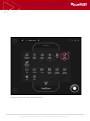
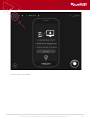
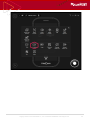
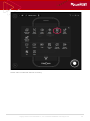
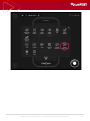
Click the “Play” icon in the liteCam Android main window.
Copyright © 2001~2015 RSUPPORT Co., Ltd. ALL RIGHTS RESERVED. www.rsupport.com
27