1
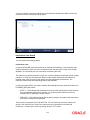
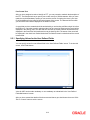
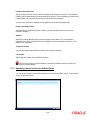
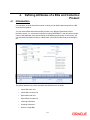
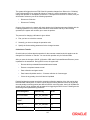
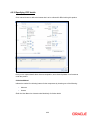
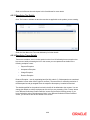
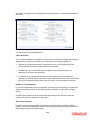
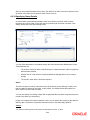
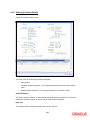
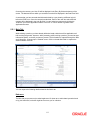
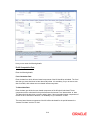
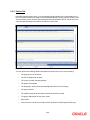
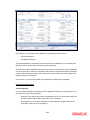
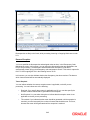
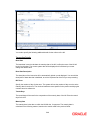
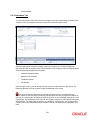
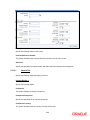
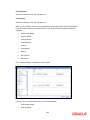
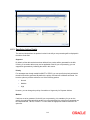
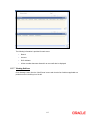
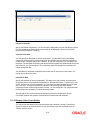
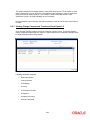
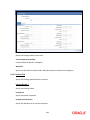
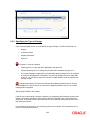
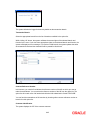
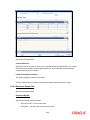
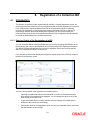
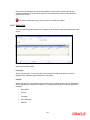
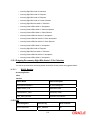
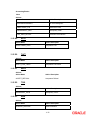
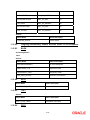
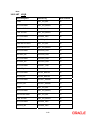
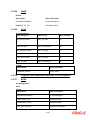
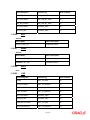
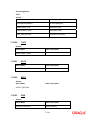
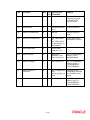
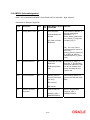
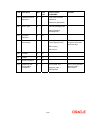
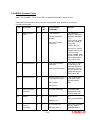
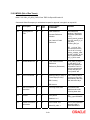
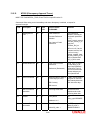
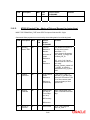
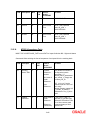
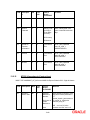
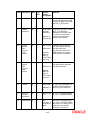
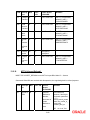
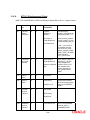
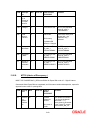
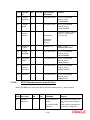
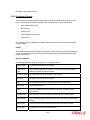
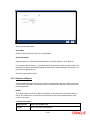
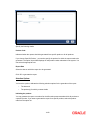
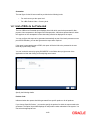
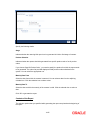
At the time of processing a bill, which was registered, the documents, tracers, advices and messages applicable to the bill will be sent to the concerned parties, based on the details you specify in this screen. You can use a particular Party Type only once in a bill that you register. 8.1.2 Parties Tab You can capture the parties details in the ‘Parties’ tab of the ‘Bills & Collections Registration Input’ screen. Specify the following details: Party Type Specify the party type. You can also select the same from the adjoining option list. The list displays all the valid party types maintained in the system. Party ID Specify the party ID. You can also select the same from the adjoining option list. The list displays all the valid parties maintained in the system. On selecting the party ID, the following details are displayed: Party Name Country Language Party Reference Address 8-6